You can Join, Lookup, Intersect or Subtract on more than one key column by creating a composite or compound key column. using Concat Cols.
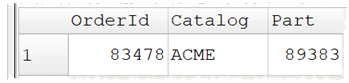
For example, if want to Join this table using both Catalog and Part as key columns:
To this table to this table using both SupplierCatalog and PartId as key columns:

So that rows are joined only when catalog and part both match, then you need to create a new composite/compound key column for each dataset using Concat Cols:
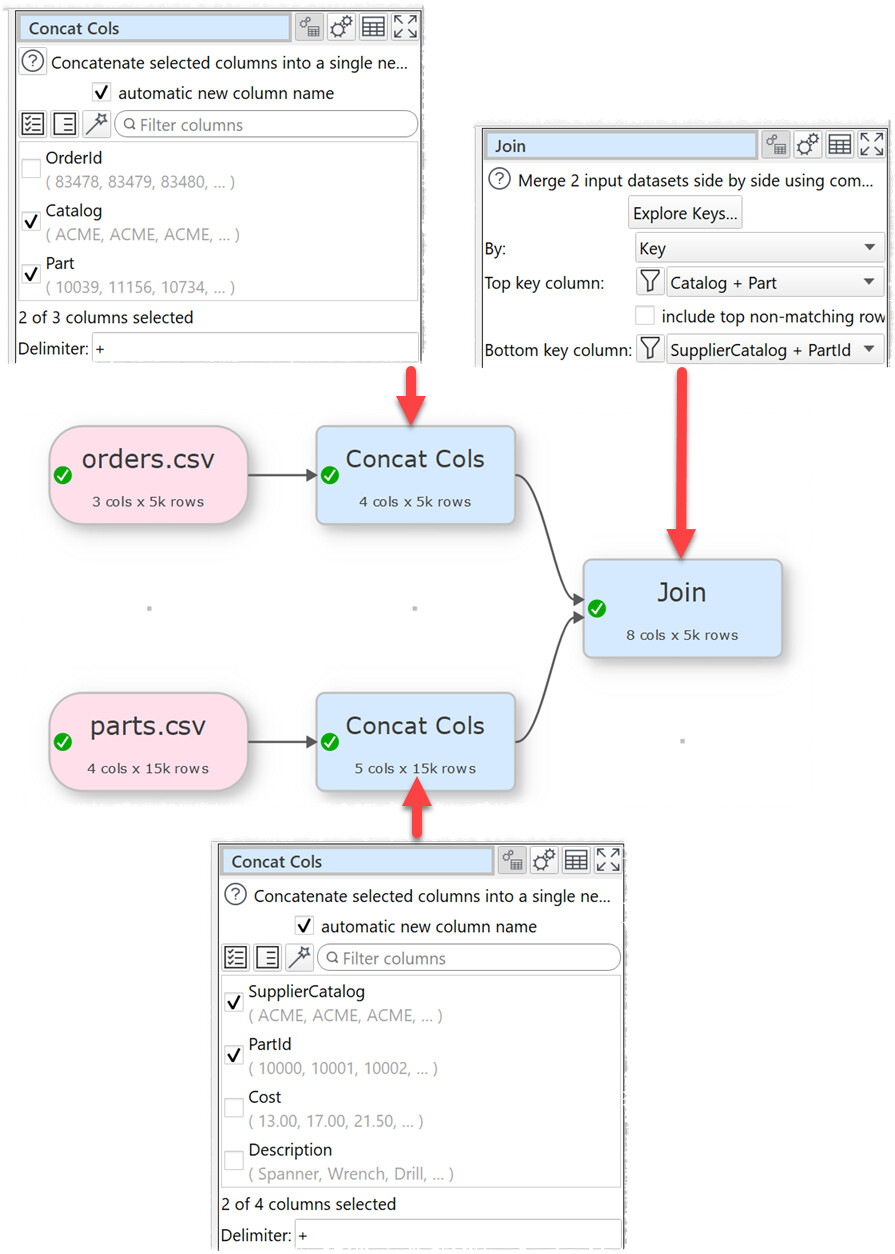
Use a delimiter in Concat Cols, otherwise concatenating AB with CD will produce the same key as concatenating A with BCD. Use a delimiter that is unlikely to occur in either key.
You may need to use Copy Cols or Rename Cols to get the key columns in the same order in each dataset, before Concat Cols.