There is a new snapshot release.
It adds a new File Info transform, to take the number of transforms to 75. This will output various information about files listed that exist on your local computer.
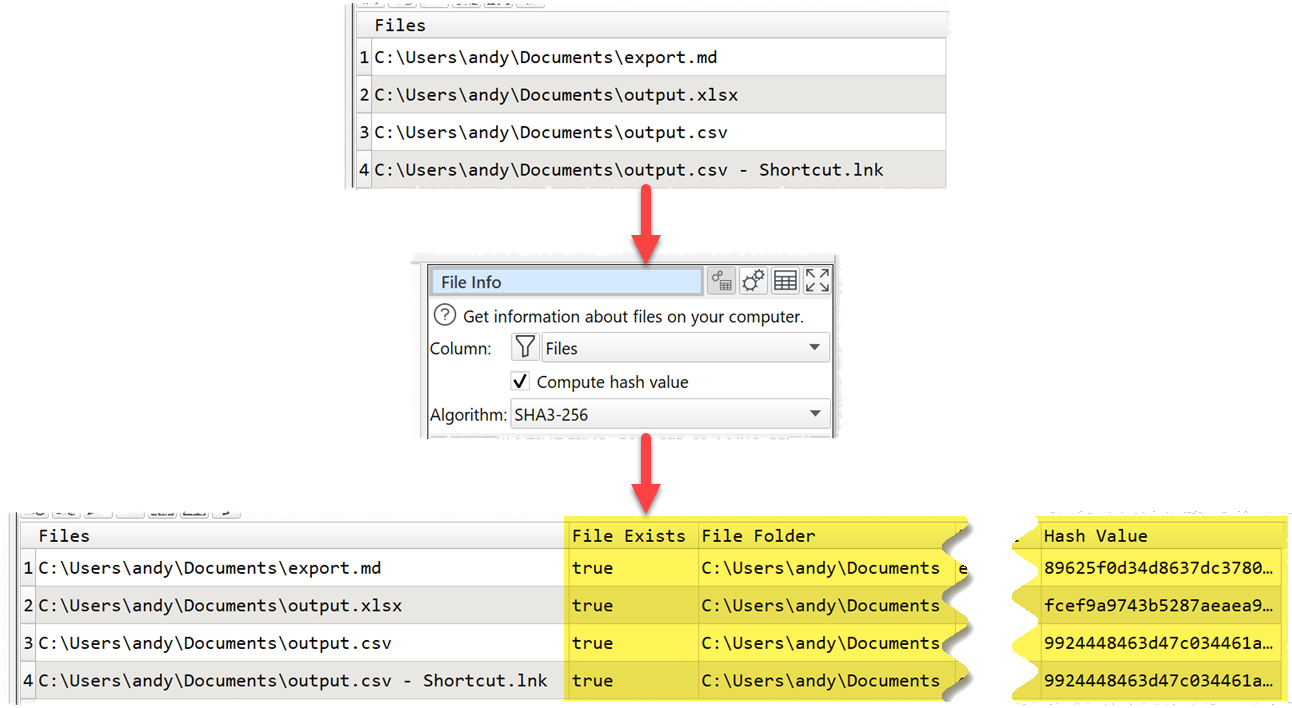
The column selected should contain the absolute paths (locations) of files on your computer. No information will be output for folder paths (e.g. C:\myfolder\) or relative file paths (e.g. .\myfile.csv).
You can optionally compute a hash value for each file. Files with identical contents will have the same hash value. So you can use this with the Dedupe transform to find duplicate files.
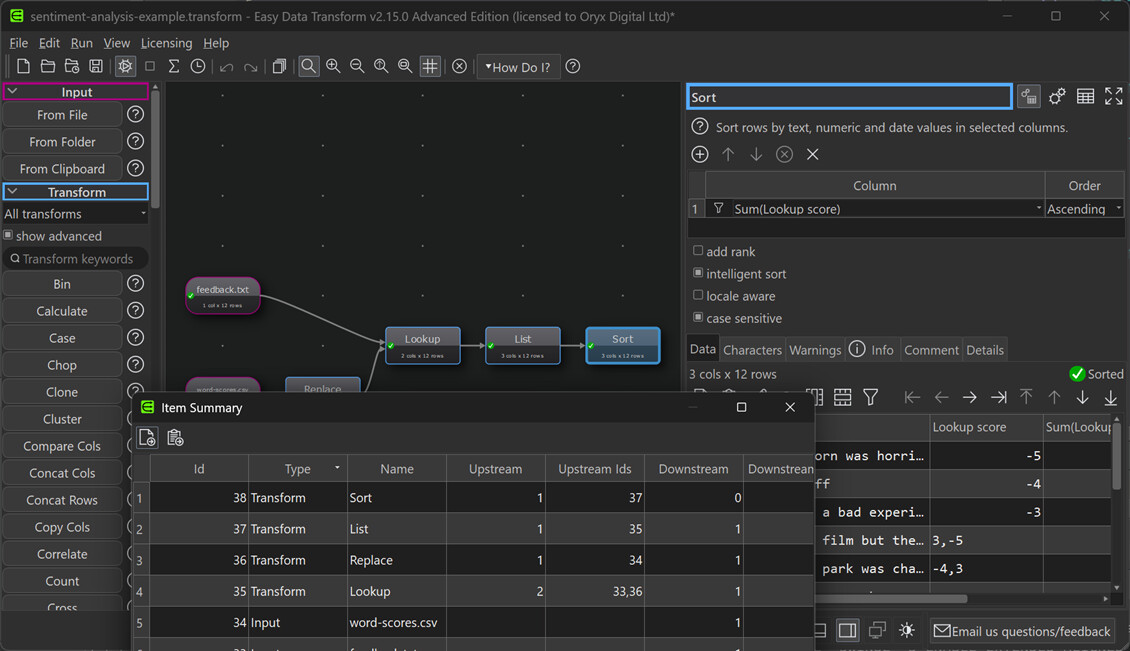
The title bar should now be dark in Windows dark mode:
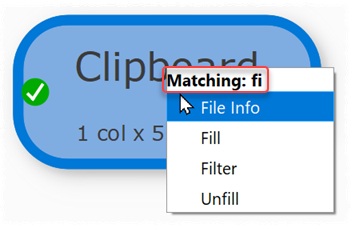
As in the previous snapshot release, you now get feedback when typing a transform name:
Please try the new release and let us know if you have any issues or suggestions:
Windows: https://www.easydatatransform.com/downloads/EasyDataTransform_2_15_0_snapshot_1.exe
Mac: https://www.easydatatransform.com/downloads/EasyDataTransform_2_15_0_snapshot_1.dmg
As a snapshot release, it isn’t as thoroughly tested as a production release, but it should be fairly stable.
Is there something in Easy Data Transform you find annoying, unhelpful or unnecessarily time-consuming? Let us know.
