I created a transform for Zillow and I got stumped. Almost all of the rows showed acreage. One of the rows showed square feet. I need EDT to take any rows that shows the word square feet and do 2 things. I need it to remove the words square feet and then take the number that is in that row and divide that number by 43,560 to show the acreage. Can somebody help? Thank you.
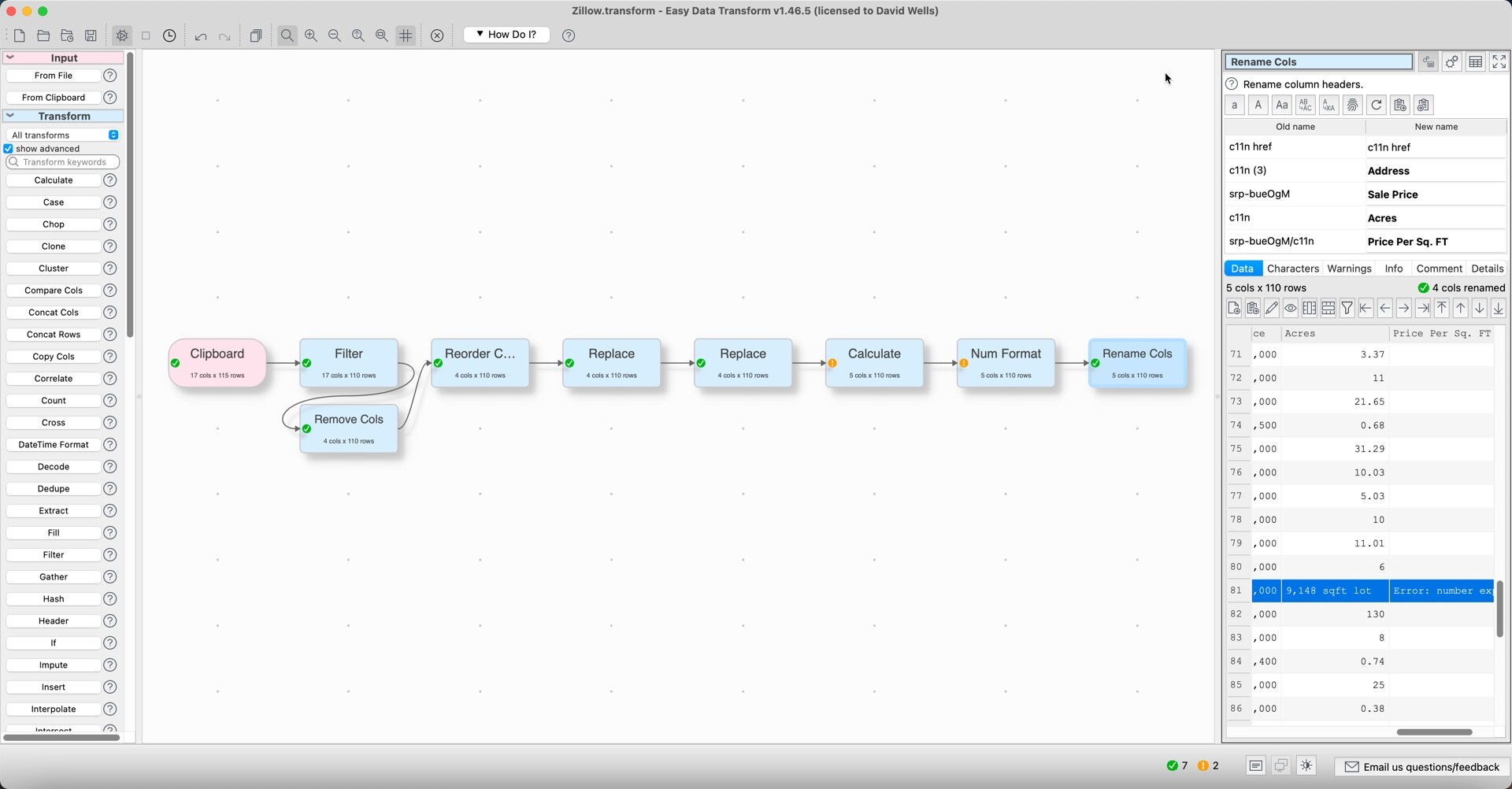
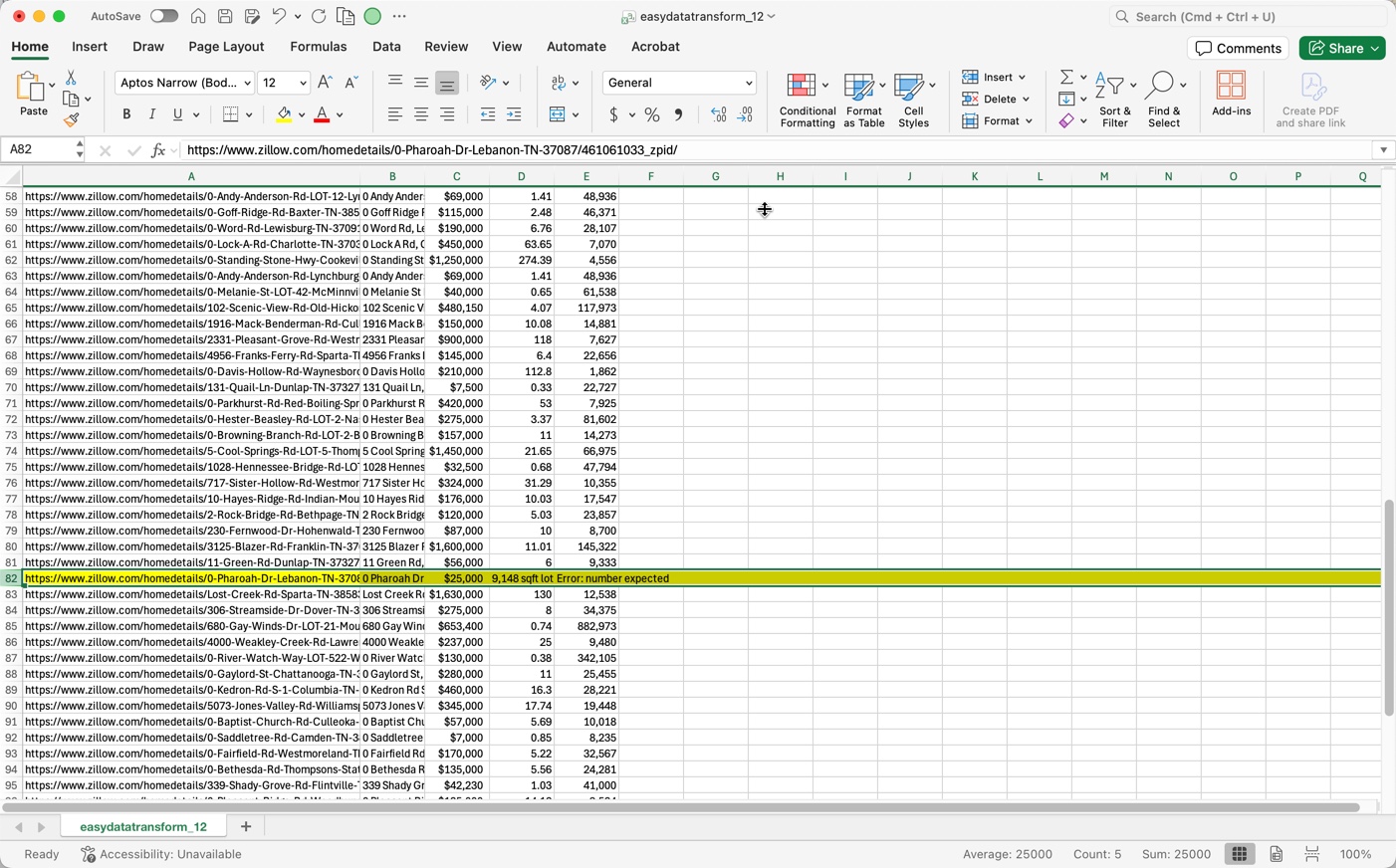
Zillow.transform (83.0 KB)
Just uploaded the transform, if that helps. Thanks
You can:
- use Split Cols c11n to separate out the number from the units (acres/sqft)
- use If to set a sqft→acres conversion factor (1 if already in acres)
- use Calculate to do the conversion

Zillow2.transform (83.7 KB)
Note that you can use the Units transform if everything is in the same units.
1 Like
I’m still confused. Is there a way to make the IF find the sqft lot text in the Acres column and divide the number in the same cell by 43,560? Then I could add a replace that takes out the sqft lot text after.
Yes, you could use If and contains.
Not if it has also got the sqft text in.
What is wrong with the solution supplied?
1 Like
you need to consider that IF and CALCULATE create new columns anyhow, they don’t change content in an existing columns.
The SPLIT COL solution from @Admin remove the test portion (acres or sqft) from the numeric value (instead to two remove statements) and enable numeric calculation on the values in c11n column. Before it was a text field and to a numeric value.
It is a normal approach in EDT to create interim columns and remove them later on. From my pov checks of logic are more easy as the original values and the target values are still visible and can be checked before obsolete information is removed later on.
1 Like
I appreciate the help from you both.
1 Like
Here is another way of doing it using JavaScript Transform
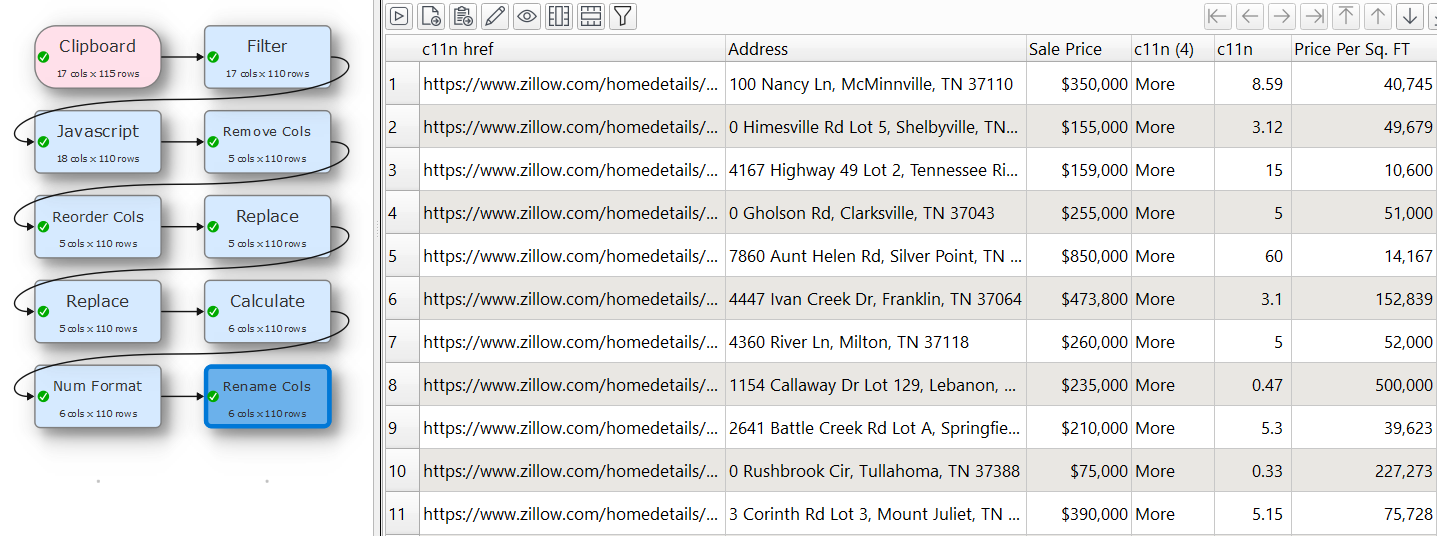
Transform file.
Zillow_Updated.transform (84.2 KB)
2 Likes
@Anonymous Thank you for the help.