In multi-column selection operations (such as in gather or remove cols transforms), the button used to define a selection criterion does not save the criterion, so it has to be configured again each time the workflow is executed. Is it possible to make it persistent/permanent?
Currently, it isn’t possible to dynamically select/unselect columns in transforms such as Remove Cols. E.g. to dynamically unselect empty columns each time Remove Cols runs.
It is already on our ‘wishlist’, but is unlikely to make it into v2.
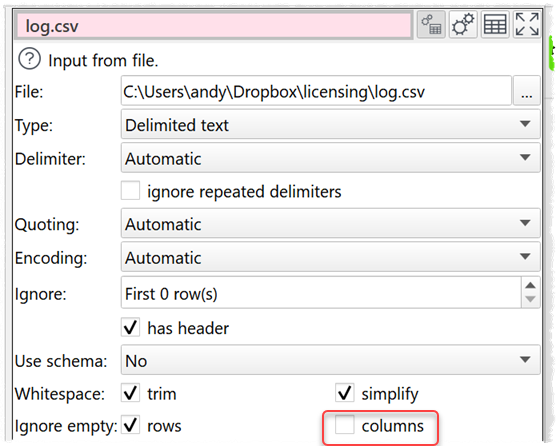
Note that you can write your dataset out and then read it back with Ignore empty columns.
Ps/ If you could tell us a bit more about what you are trying to do, that would be helpful in deciding new features. Also, we might be able to make additional suggestions.
Thank you for your quick response. One of my use cases is that I work with Excel files containing fixed columns and date columns with values. The number of date columns varies from one file to another and from one month to another. When I use the « Gather transform » on the date columns, any new date columns that appear in the same files the following month are not automatically included or selected.
Did you check the schema option when reading in a file, see documentation: Easy Data Transform.
You can select there here to ignore new columns or add new columns to the end. It might help.
I recommend to use schema in any case if you use the transformation file for longer periods, as it helps to handle changing order of columns, new columns, special if they are in the middle of existing structures.
The schema doesn’t resolve the problem. In fact, the new columns are added, but in the Gather transform I still have to select them manually.
For example, this month I have 12 date columns to gather. Next month, I will have 14 columns. The two extra columns will not be selected automatically.
Do you have small example of what you are doing? You can use Pseudonym transformation to hide sensitive data. May be an example with data from last month and new month with additional columns and what you are doing with gather.
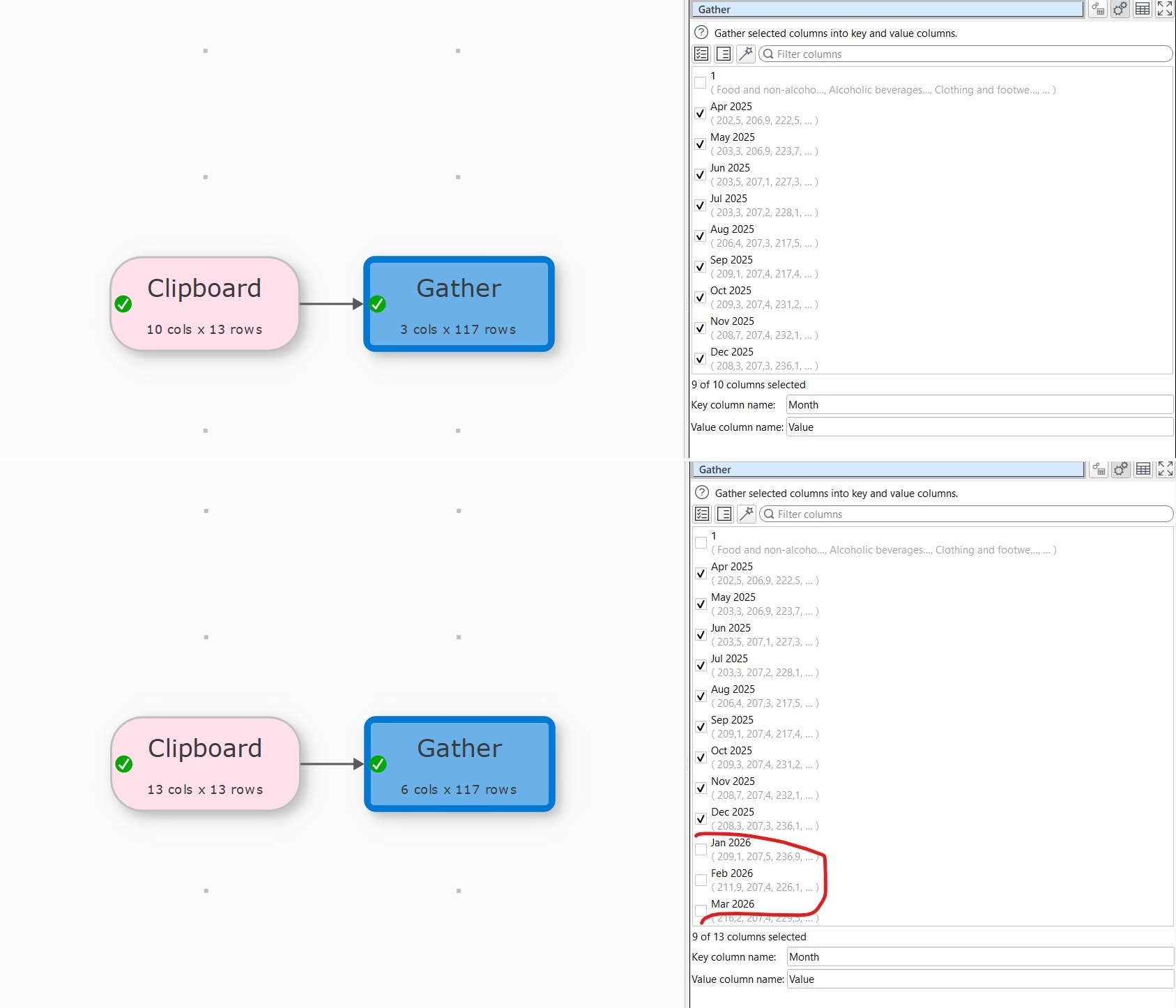
Here is a screenshot. the upper image is when reading and gathering the file_1 and the bottom one is when reading and gathering file_2 with extra date columns. The extra 3 colums were not selected automatically in the gather transform.
if you have to run the transformation every month it is worth to change it a little, but it works only if you have a stable basis for your column 1 (I assume products). You need to have list of product in a separate list, in my example it is in the clipboard.
The idea is to get the changing values into rows, here the month by using transpose. With the stack and the product list you get a fixed number of columns which can be processed by a gather which doesn’t need adaptation.
I tested it with two different input files … just change the name in the csv File import transformation (it is csv as Excel cannot be uploaded into the forum). The gather runs into your issue, but the other sequence should work fine.
Thank you very much @Olaf and @Admin for your solutions while waiting for the integration of automatic selection based on one or more criteria in upcoming updates.