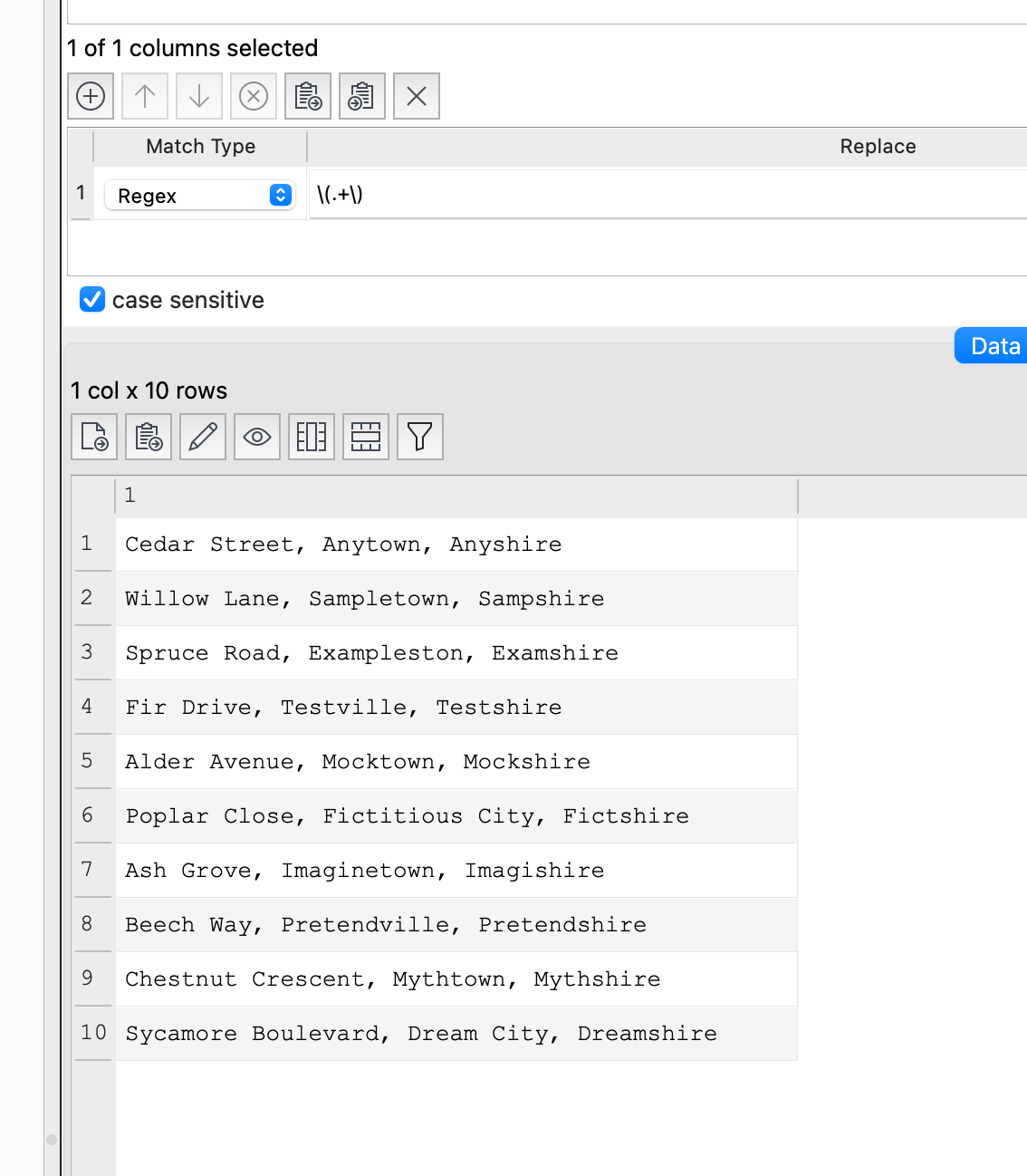
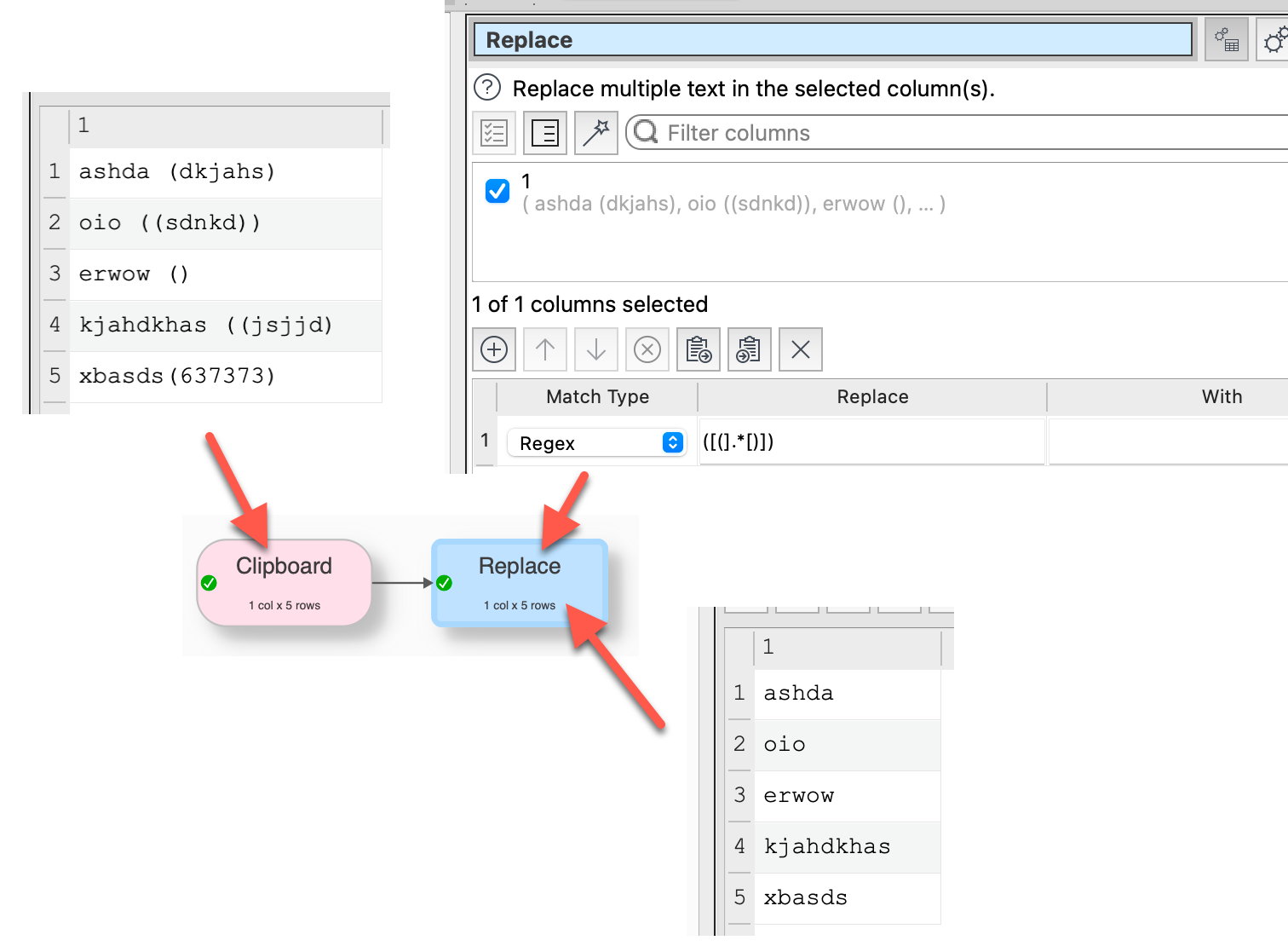
Is there a transform that can remove all of the text between brackets. The data looks like this:-
1 Acacia Avenue, Anytown, Anyshire (AD4 0RG)
I want to remove the text that is in bold, ie. the brackets themselves plus everything in between. I can easily remove just the brackets, but not sure how to remove the text.
Aaaarghhh - some records have two sets of brackets. Which means everything between the first opening bracket and the second closing bracket, is removed.
If anyone is looking to do something similar, I ended up using a bit of lateral thinking.
I filtered those records that ended in a postcode within brackets and then chopped the last 9 characters.
I then created a stack comprising this new filtered set plus the remaining records that did not end in a postcode within brackets.
I then removed all the remaining brackets and white space.
Using 9 characters to chop, definitely removes all of the postcode part and the closing bracket. In some cases it will leave the opening bracket and/or the space before that, but they are easily removed.
If you wanted only to remove bracketed data at the end of the line, end the Regex with $ or start it with a space, or both.
Look at EDT documentation (Help>Easy Data Transform Help) under the Regex item where you will find links to some of the many helpful sites on the subject.
It might be possible to ask ChatGPD for a RegEx describing what shall be reached in as much detail as possible. Might be faster …. But for sure the sides linked in the docu are good
In the end, I used Chat GPT to help construct a Regex that removes only UK postcodes within brackets plus UK postcodes that are not within brackets: this is what worked:-