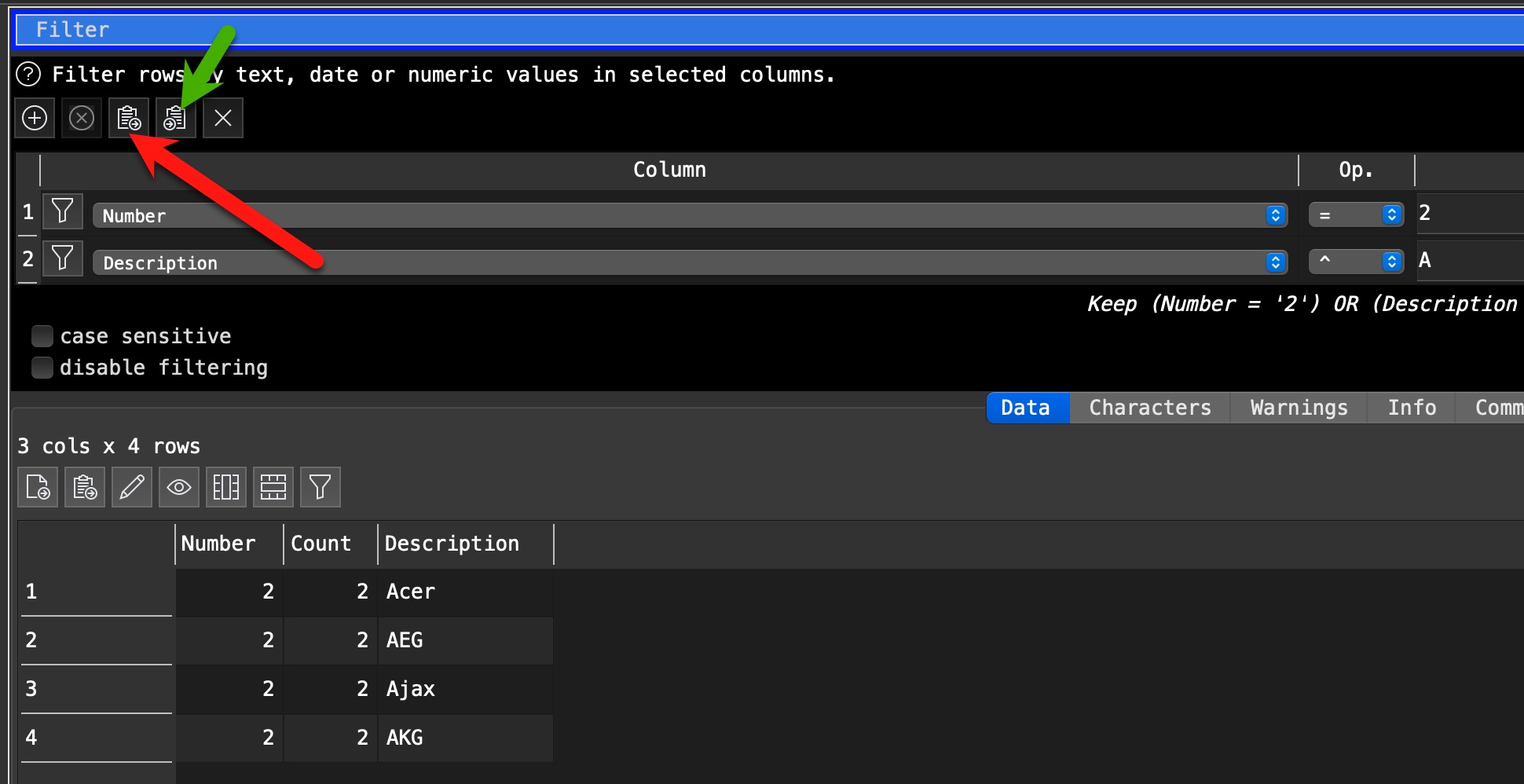
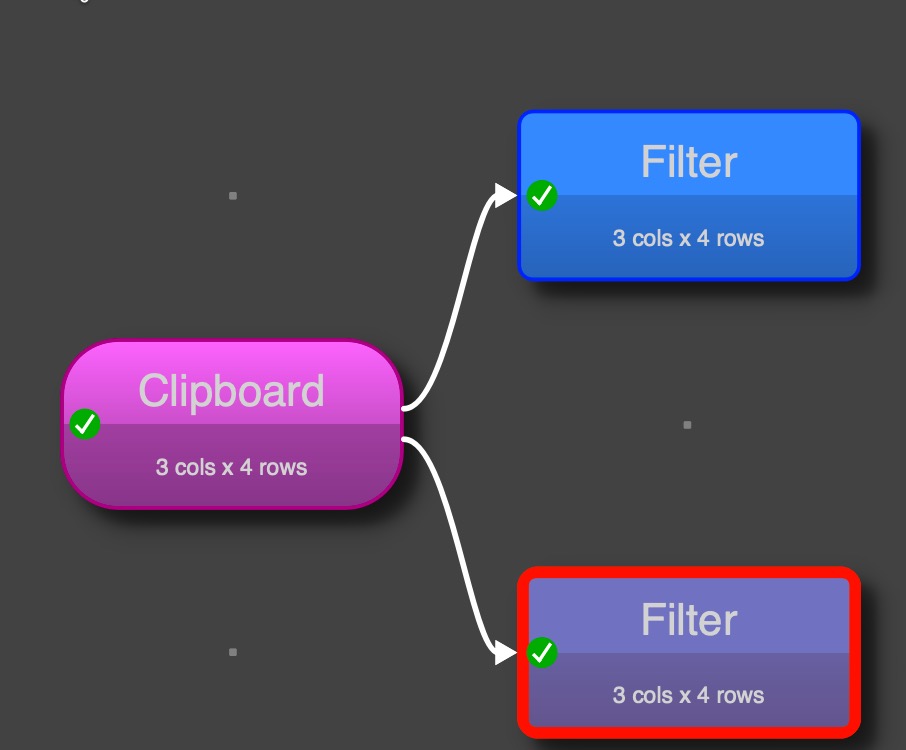
When I am pasting in filter terms from the clipboard, the first column is not regognised properly.
Example
If I paste:
2,2,Acer
2,2,AEG
2,2,Ajax
2,2,AKG
the first column is set to “Any” although it should be “title”.
If I copy this back to the clipboard I get:
,2,Acer
,2,AEG
,2,Ajax
,2,AKG
Thus I conclude that the first column is not regognised.
If I set the first filter column manually from “Any” to “title” and copy it back to the clipboard, I get:
1*2,2,Acer
1*2,2,AEG
1*2,2,Ajax
1*2,2,AKG
If I delete the filter settings and paste from the clipboard what I copied to the clipbard before, the first column is regognised properly and “title” is selected.
Pasting in what? Where? Your example does not even include the word “title” which you later mention.
I can paste your example text into EDT without any faults, vary the title, copy, paste, all perfect. This is “From Clipboard”, not “Filter”, in case of ambiguity.
Please provide a clearer example of your input, where it is going, and what you expect. If you are using a Filter transform, please show what it is and what is expected from it.
You need to consider that the filter clipboard includes EDT internal information and if this doesn’t fit 100% columns names are ignored and replaces by the generic ANY.
If it fits, e. g. in parallel filter to the first one, it works perfectly but the pasted filters are added to the existing filter criteria in the new filter statement.
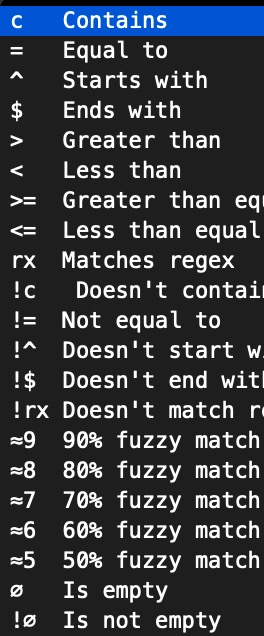
Now I start to speculate a little about what you are pasting from the Filter statements, but internally EDT works not on column names it use column numbers. I assume the term with the * address the column number, the second part after first comma seems to include the operation, e.g. = or ≥ … and the last part includes the filter value.
Middle expression, seems to take the number of the selection entries, starting with 0
Thank you for chiming in.
Please use EDT’s help file for reference. Search for “0,0,YES” and you will be directed to the relevant section.
[at]Admin
Thank you for addressing this issue. As a workaround I just use a spreadsheet and populate the cell values accordingly.
I have another question: I use a large number of filter terms (up to 500). Am I pushing the limits here? Would it be better to split the filter terms and chain together multiple instances of the filter function?
When processing large datasets, it’s somewhat difficult to verify whether EDT filters the data correctly. Therefore, I’m asking about the technically and theoretically possible solutions and any potential difficulties.
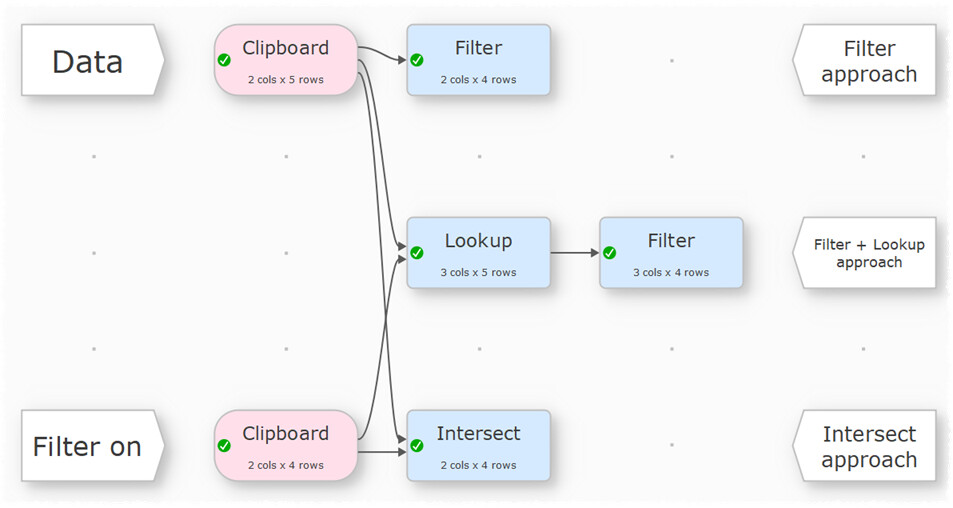
Easy Data Transform will easily handle thousands of terms in the Filter transform. But the user interface wasn’t really designed for that and it won’t be very easy for you to manage.
Consider using a Lookup transform instead. It requires more steps, but will be easier to update and to see what is going on.