I need the output file name to be {date}_{invoice number}
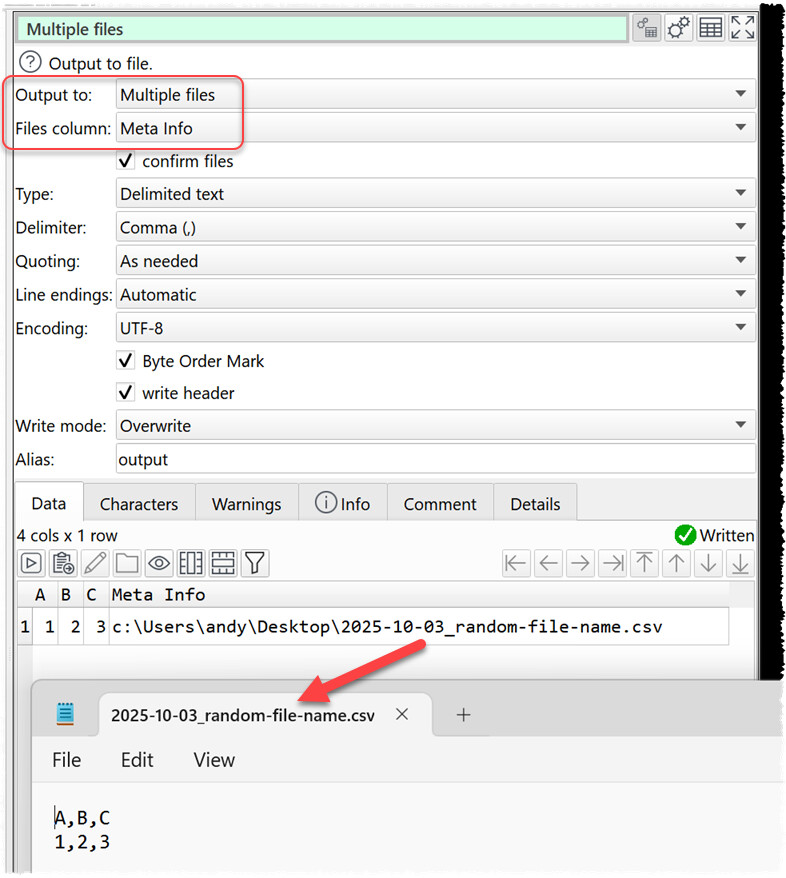
I know that I can concat cols with date of invoice + invoice number then use the multiple files output option to select that concatenated column to use as the file output name but, this will not work for me as it is an automatically ingestible invoice & productivity file and cannot have the extra random column in the file.
Is there a way to ignore the last column on output so I can use the above way? Is there a different variable command to pull the invoice number column data into the file name?
Unfortunately, it’s not. It’s a col I have to add in my transform. It takes a payroll sheet and creates the invoice file. The input file is called Payroll {date}.
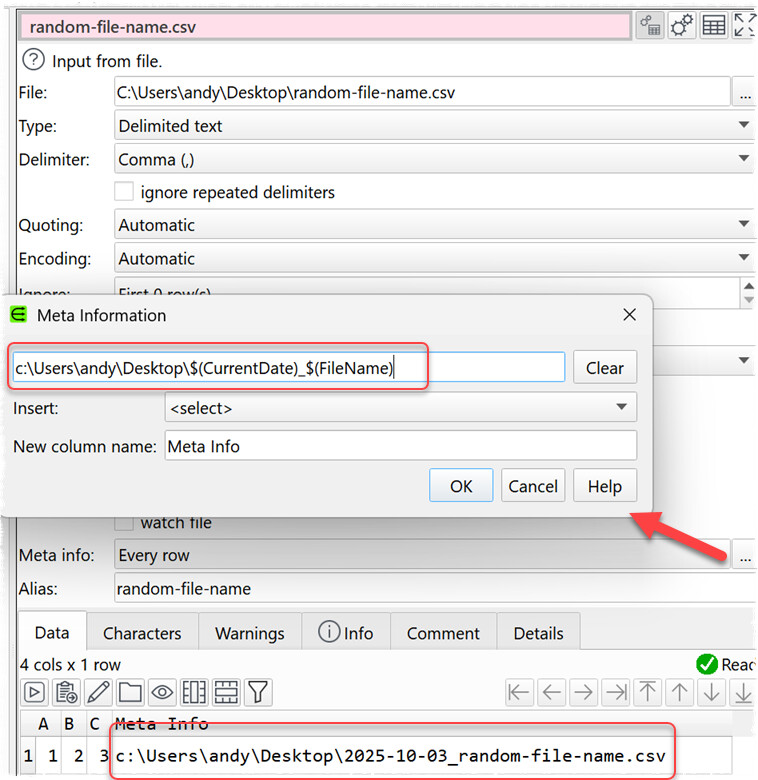
Type the invoice number if a single line text file. Use Cross to add this as a new column to the other data. Use Meta data to get the file name. From there create a new column with the desired file name. Then output as above.