Charts (teaser)

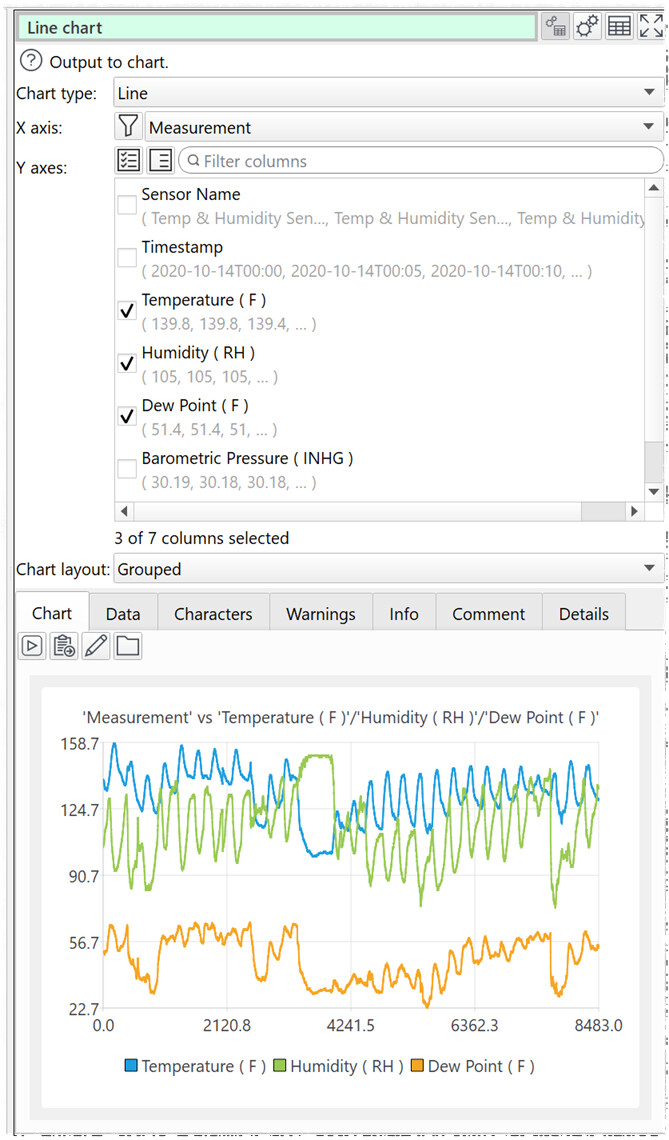
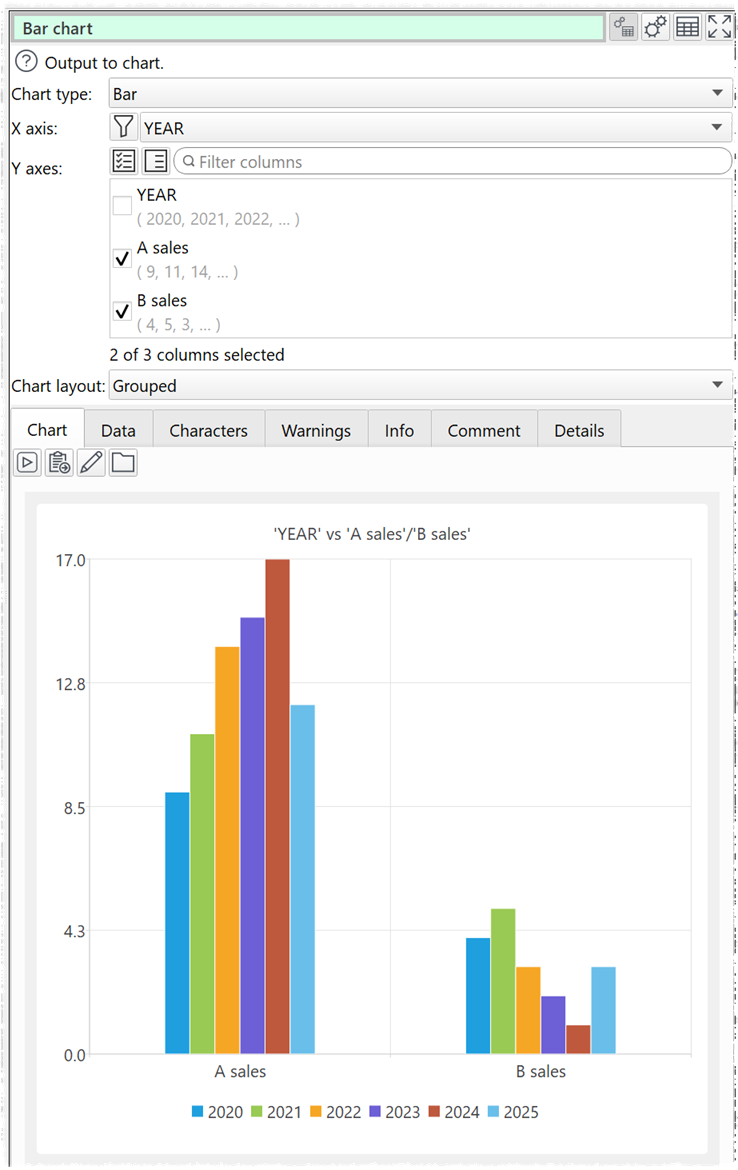
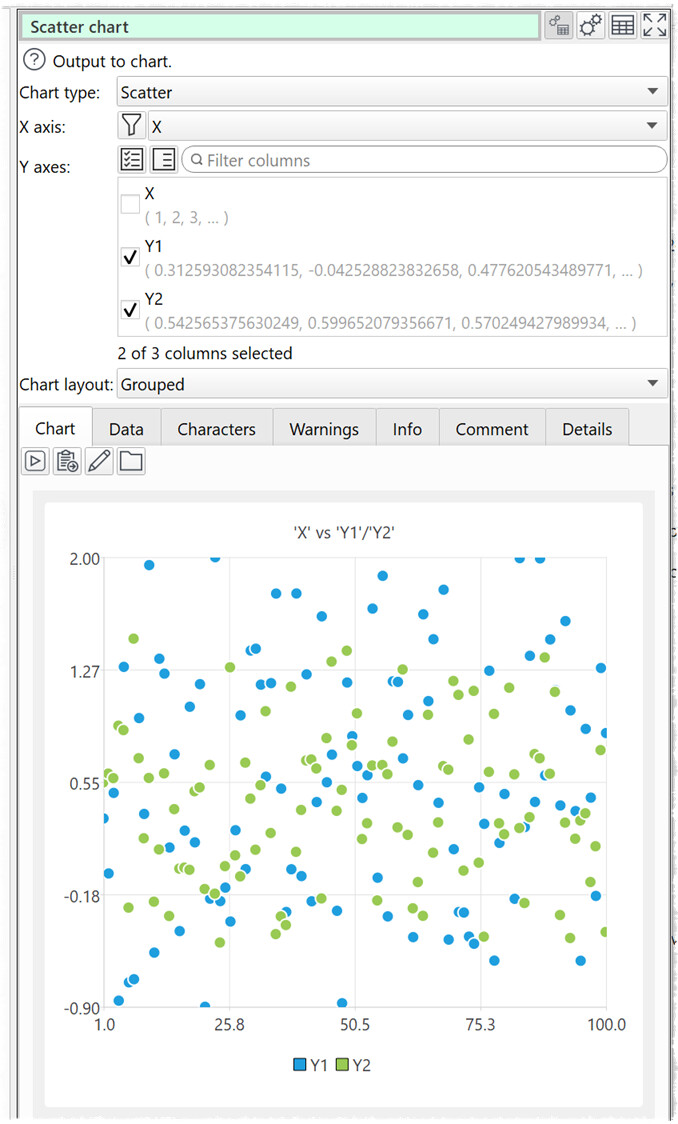
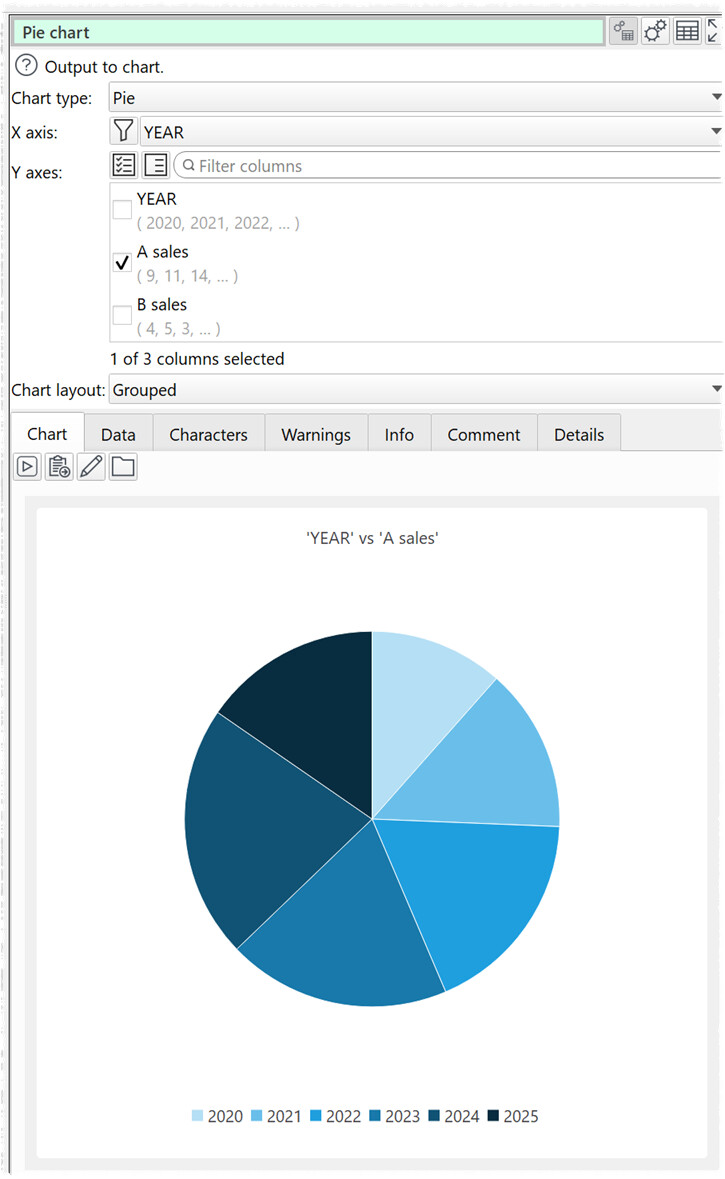
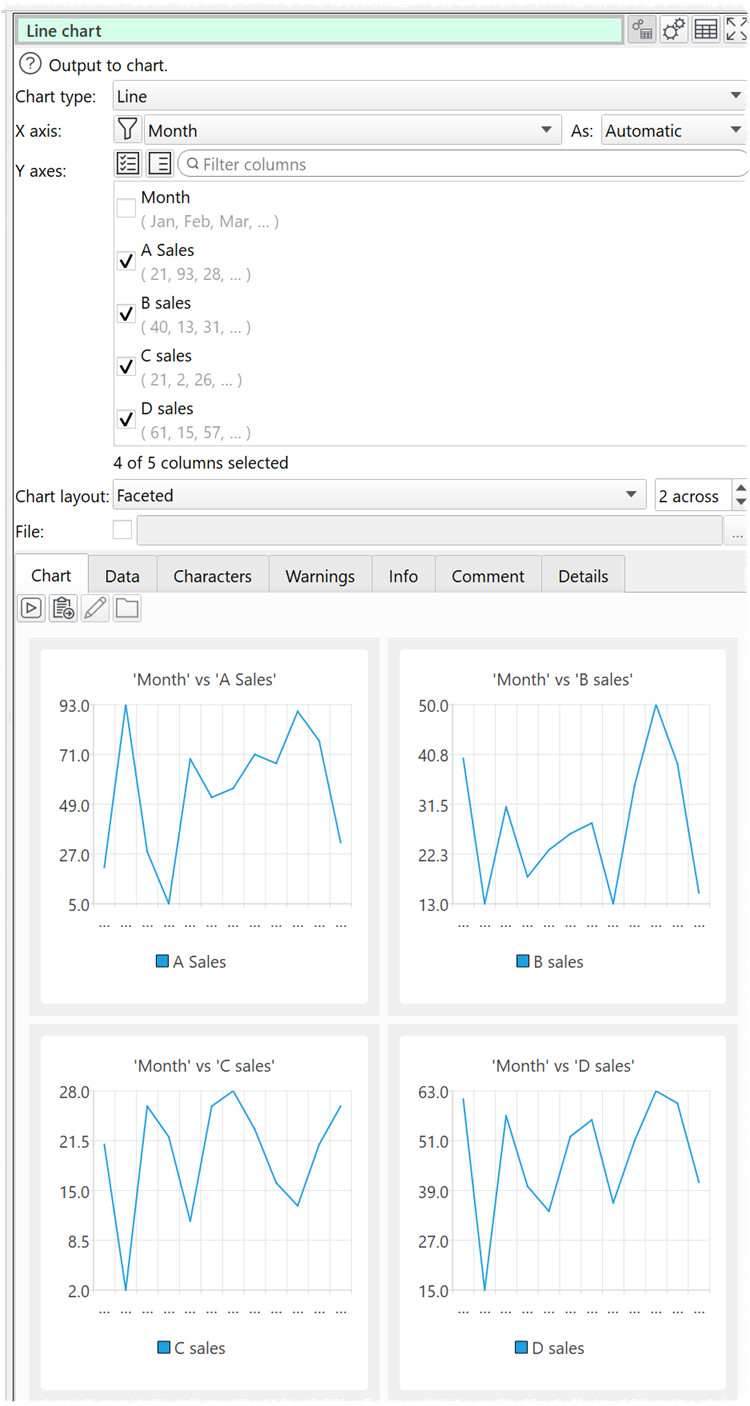
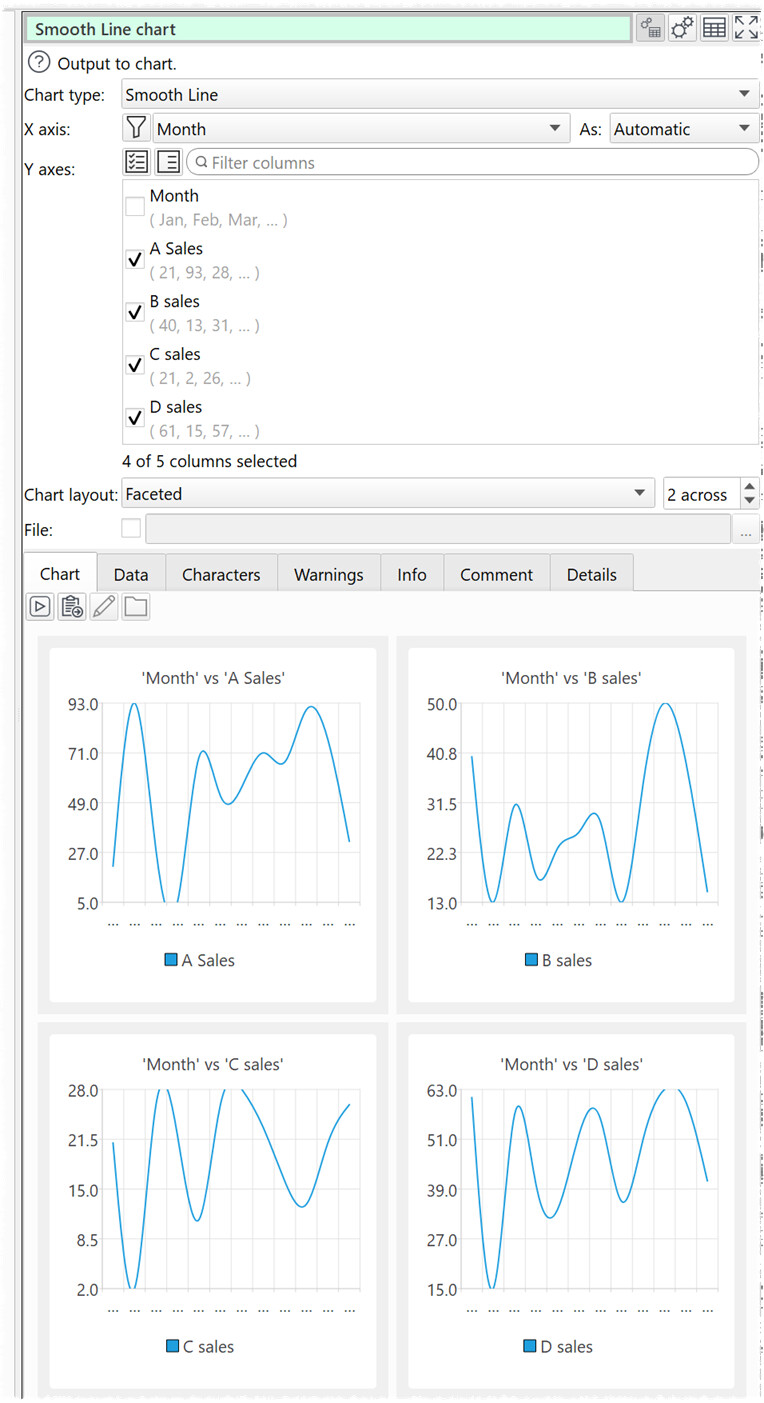
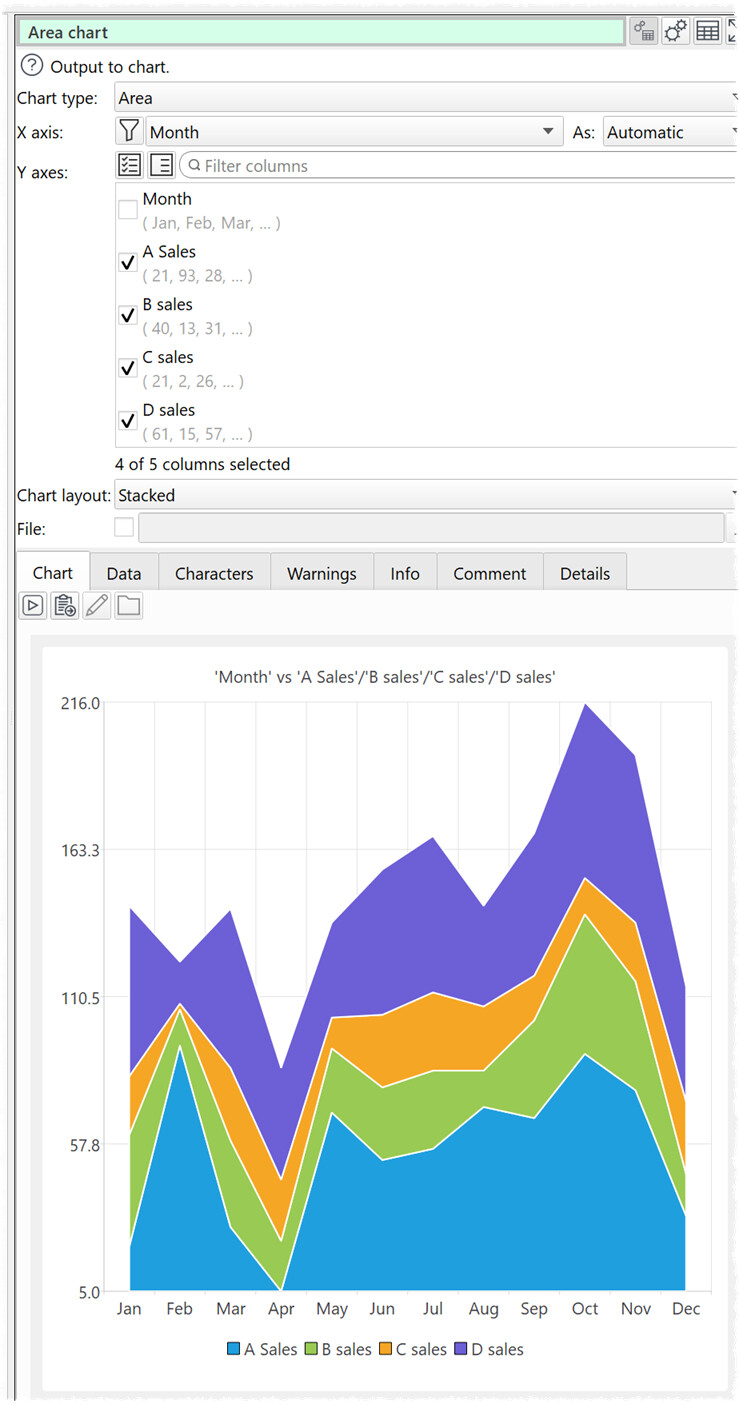
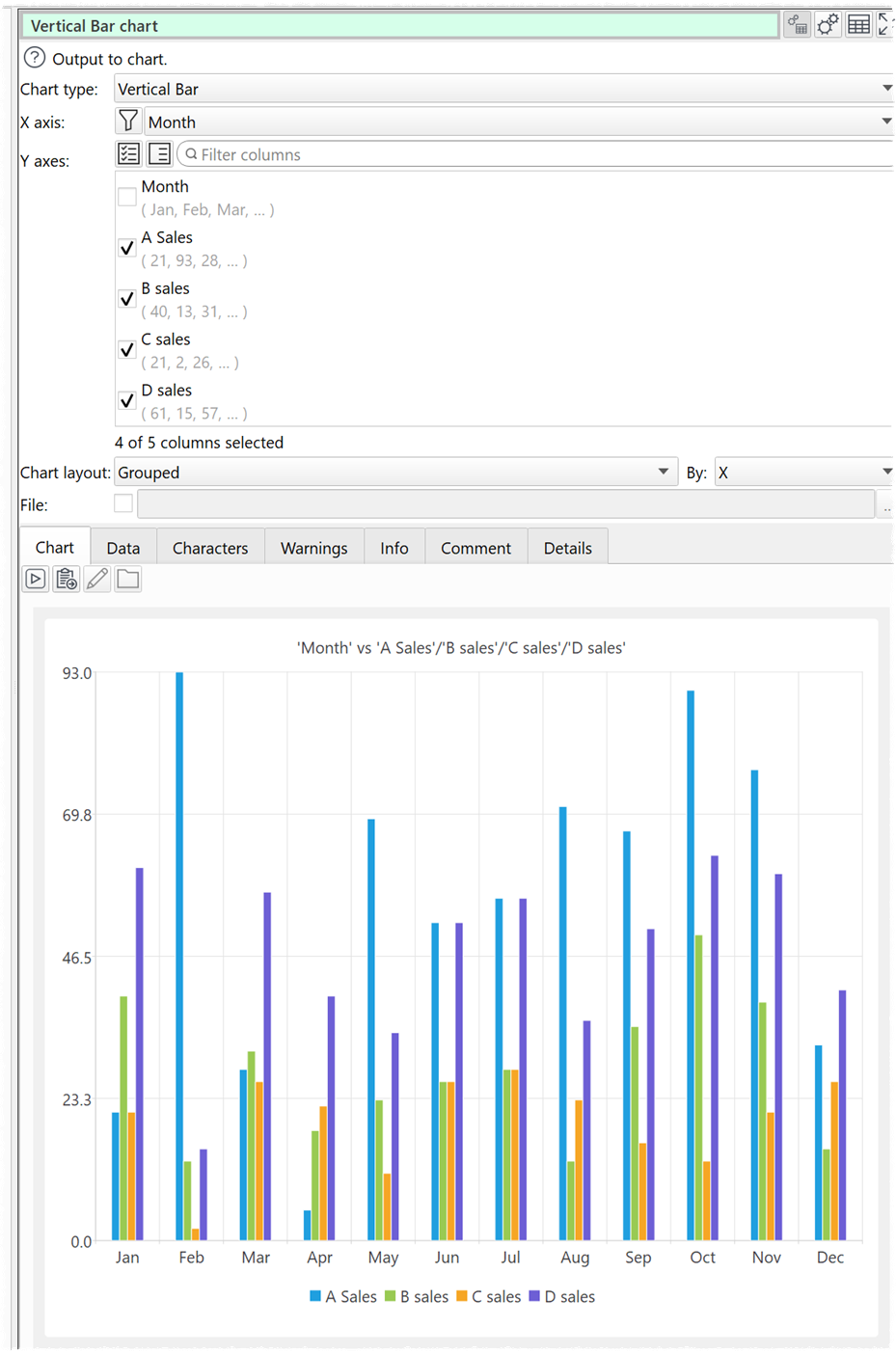
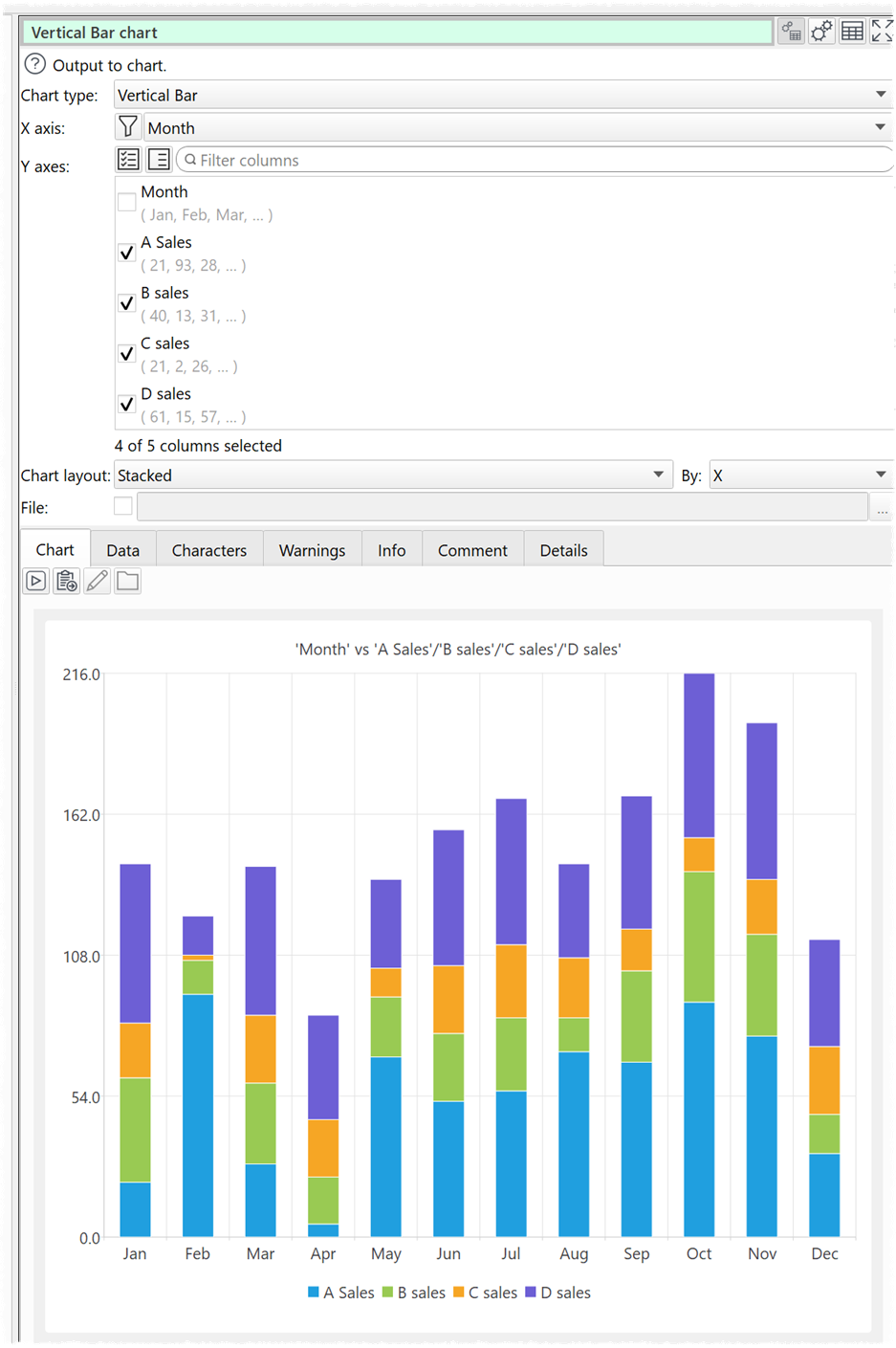
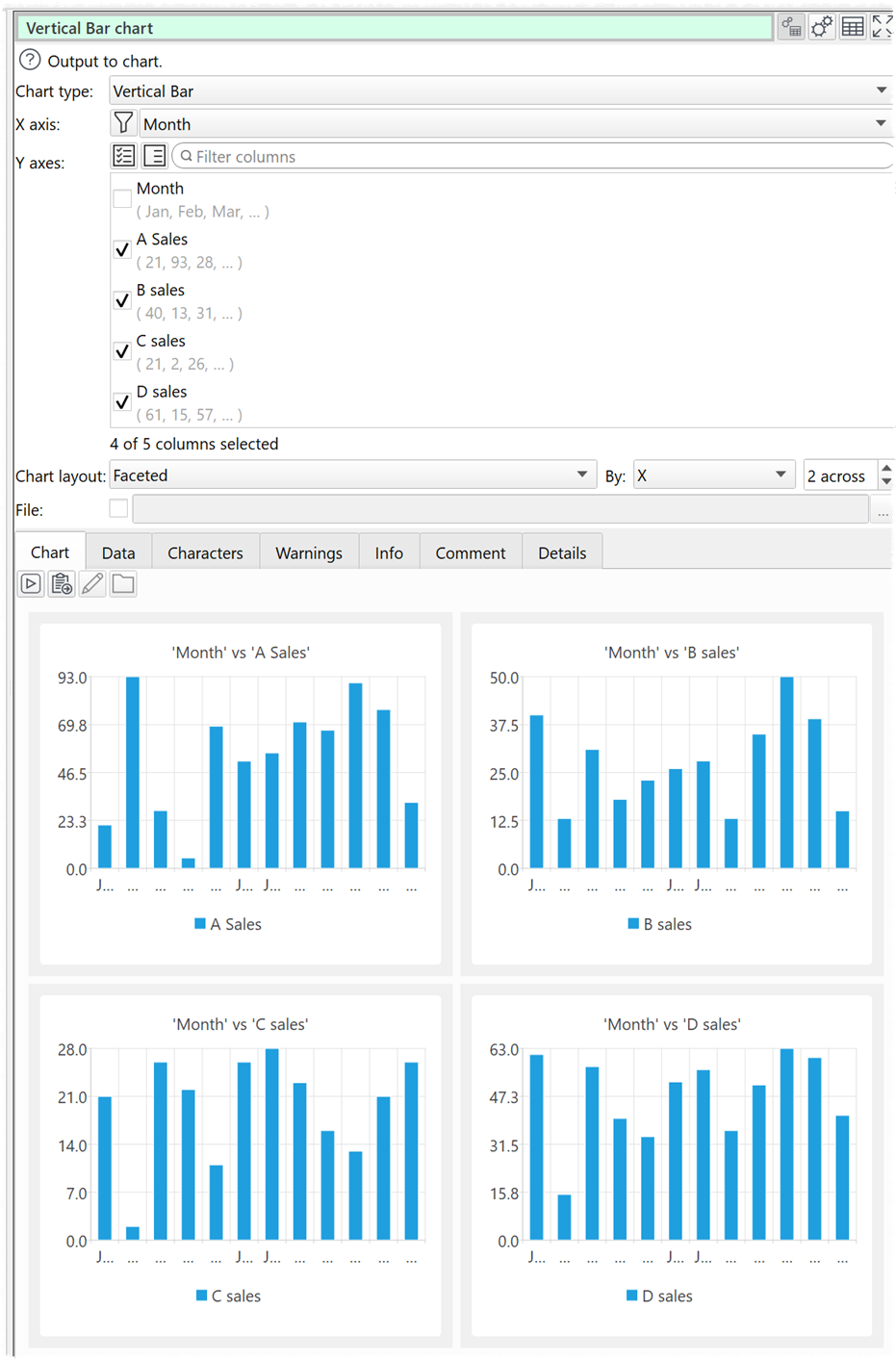
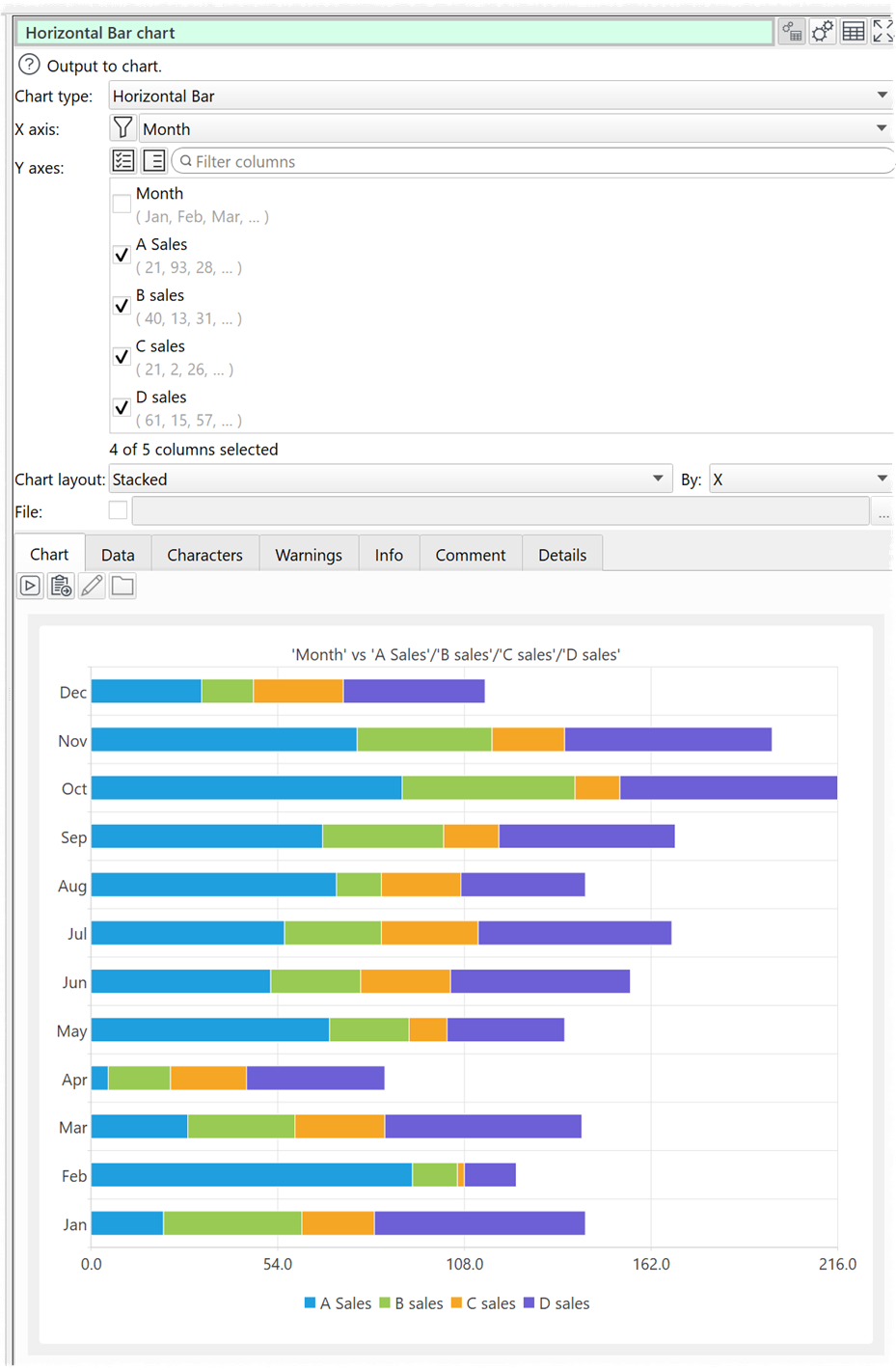
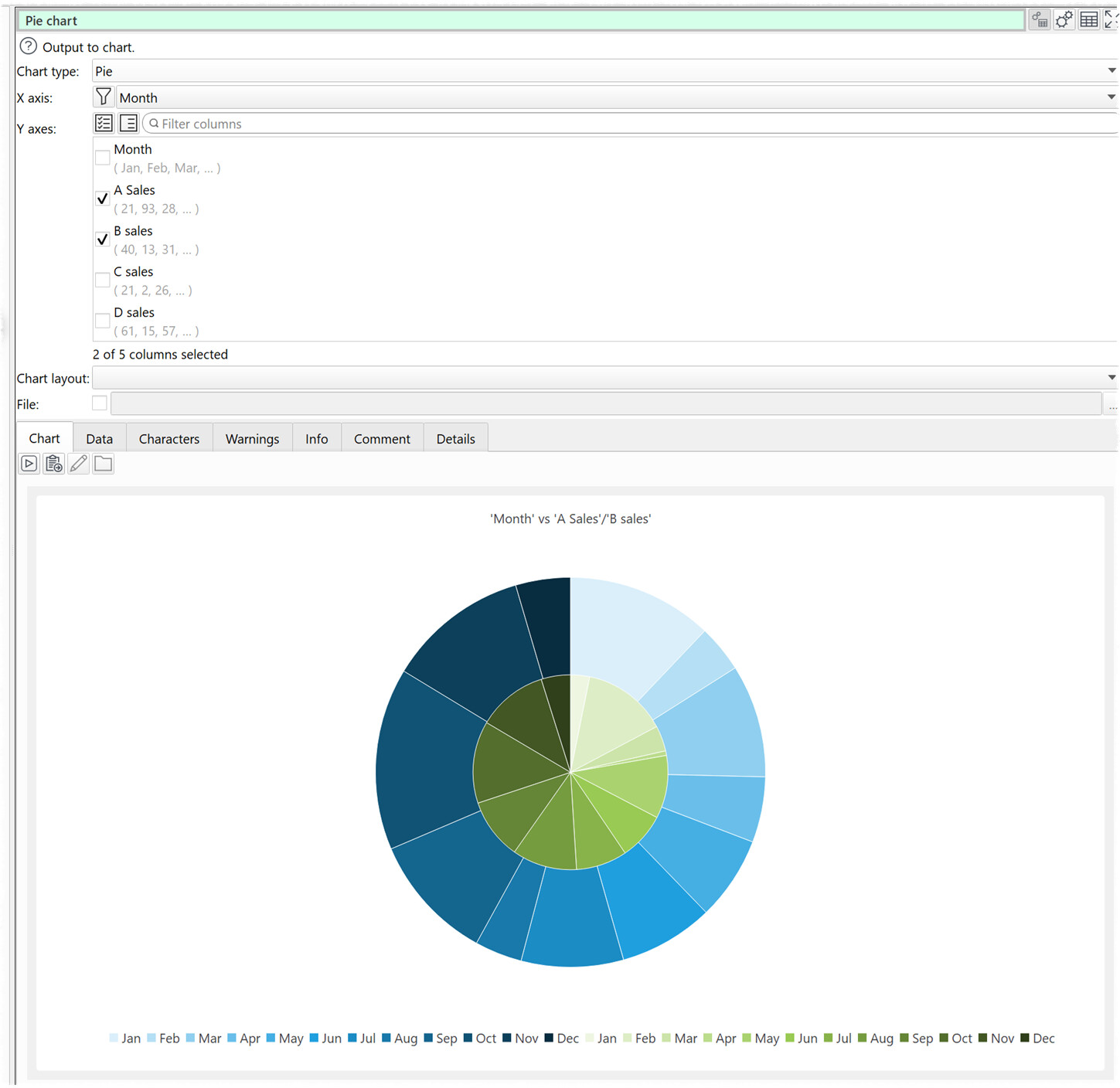
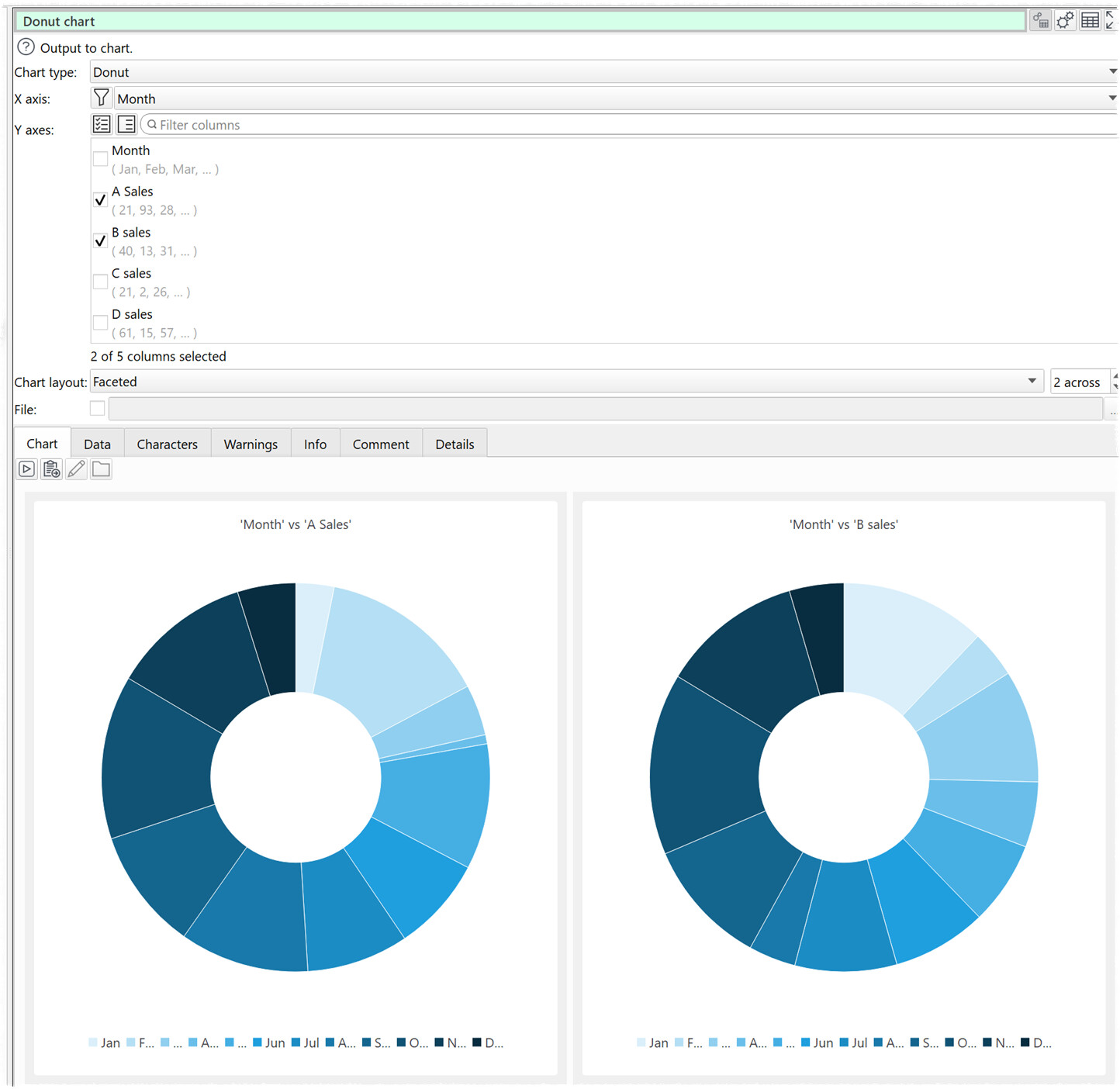
Here is a teaser of what we have been working on for a while:

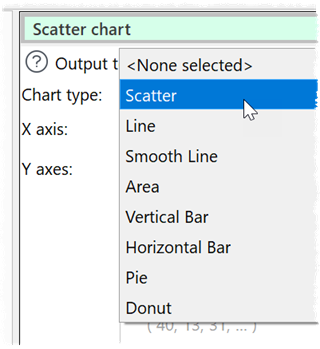
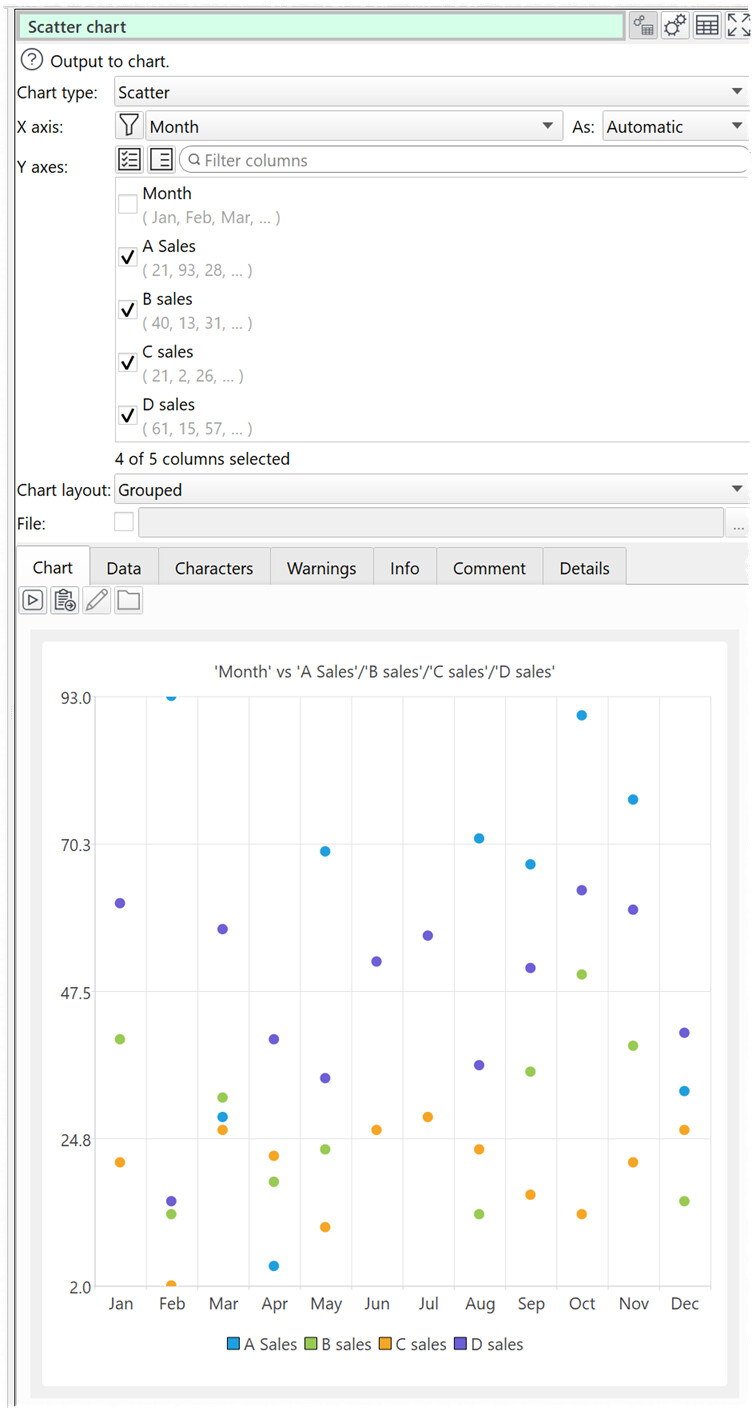
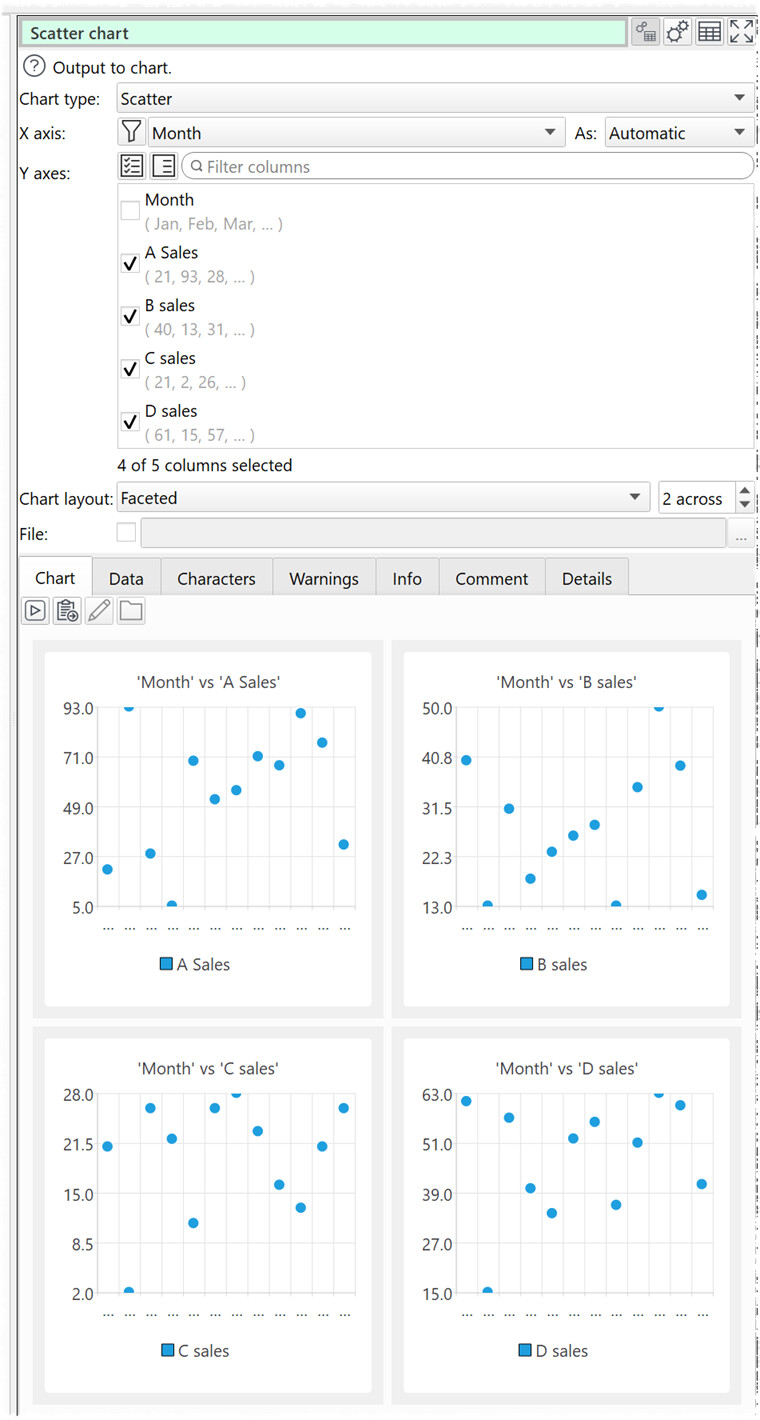
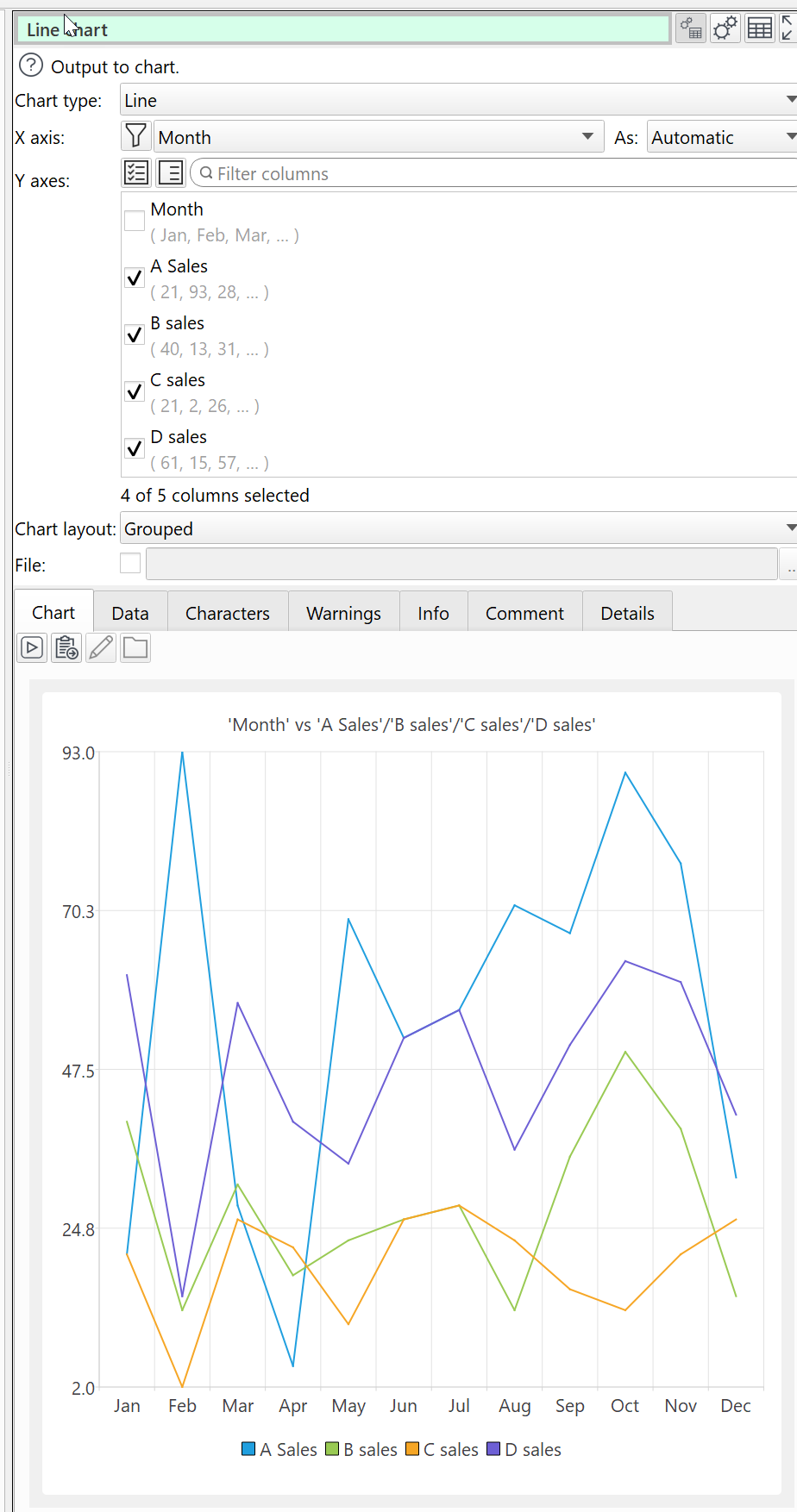
You will be able to add a chart item in the same way you can add an output item. This will allow you to chart a dataset in a few clicks in a variety of chart types:

  • line
  • bar
  • scatter
  • pie
  • area

We may add other chart types in future. And you will eventually be able to combine multiple charts into a live dashboard.

It will be possible to output all the charts to file. E.g. to PNF/PDF.

Charts will be available as an optional add-on.

Nothing is finalised yet and there is a lot more work to do before we will have anything we can release.

Please post any feedback or questions here.

5 Likes

That’s really cool. It’s always been possible to create charts in a spreadsheet, but that makes it easy to lose the recipe for a chart.

Looking forward to this feature. EDT keeps getting better.

1 Like

Wow! This looks really, really promising.

I already have a hundred ideas of how to use this hopeful feature.

1 Like

Superb!…any possibility to include charts from RAWGraphs? in the future…

You can already use RAWGraphs with Easy Data Transform:

I don’t think a closer integration is practical as they are built on rather different technologies.

Andy, thanks…just thinking, could be possible in the future a Python transform? to include Pandas and Numpy functions? or an R transform, too?

A Python transform is somewhere on the wishlist. Also an SQL transform. Maybe an R transform.

1 Like

Great…future looks brilliant!

Thank you for working on this new feature. I look forward to it in the new release, and I believe it will be useful for many users.

3 Likes

I have a feeling it’s not just going to be useful, it will be a fun sidelight on the world.

Or, maybe I need to get out more. Either way, I keep dreaming of fighting back against bureaucratic machines with charts and graphs triumphing over their most fiendish trickery. You think you can fool me? Here, take this, evil powerpoint nerd!

1 Like

Quick access to a scatterplot is always handy. My principal purpose for EDT today is to provide input to stats packages or DataGraph and that is unlikely to change.

1 Like

Realistically we aren’t going to support every obscure chart types and option that dedicated charting software packages supports. But hopefully we can do enough to support the vast majority of use cases without having to use separate charting software, and make it super easy to do so.

Hi there, using EDT for parsing Money Money data (https://moneymoney.app) with a tree of categories, I would love to see Treemaps, I could use to visualize my spendings per category.

Treemaps won’t be there in the first set of charts. But we will have Pie charts.

Sounds great anyway to have charts available in EDT.

One thing came into my mind: Maybe, you could just add a custom chart node based on Plotly.js (GitHub - plotly/plotly.js: Open-source JavaScript charting library behind Plotly and Dash) in some future version, users can use to build the more advanced charts. That might balance easy to use and “make possible”.

The current chart implementation is all C++. I’m not sure how difficult would be be to integrate something like Plotly.js.