just two remarks.
You can even use Multiple file output in batch mode. You need just to ensure that the filenames in the data are valid and different for each file not to overwrite early files.
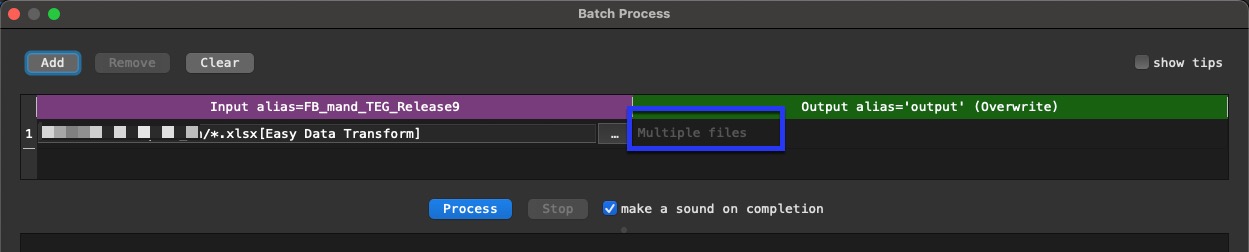
In batch mode the same rules as for standard processing are valid:
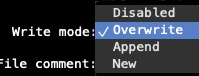
E.g. I use a lot batch mode to fill one output file, so Append is the right choice. But when I do so I create a KBM (you use it too) script, where I first empty the target folder if I want to create a new file. and afterwards the KBM script calls EDT.
You see some examples in the old discussion Using Easy Data Transform with Keyboard Maestro on your Mac