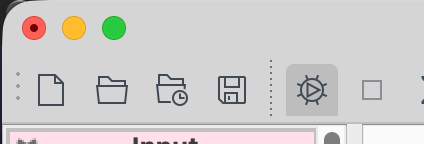
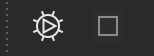
In the latest version of EDT, my scripts always open with the run icons highlighted like this (as though my scripts are auto running).
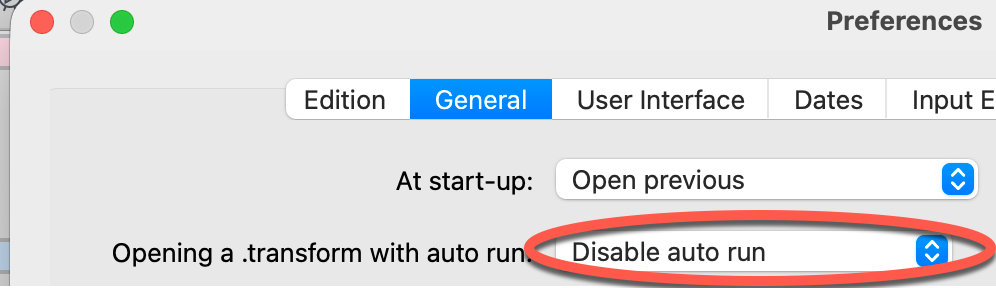
I have autorun turned off on all my scripts, and in my preferences.

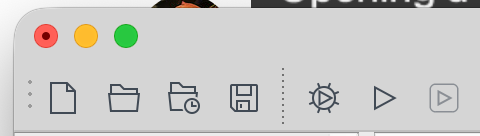
I often run just a few steps of my scripts to start with, but when I highlight the steps, I’m not given the ‘run selected steps’ icon. If I press the auto run icon, then turn it off in the Run menu, I am then given my normal options / icons

I don’t know if there’s a new setting I need to use, or if there’s a bug in the latest version? But it’s definitely not working as expected.
Thanks